
You Don’t Need a Production Team for AI Video
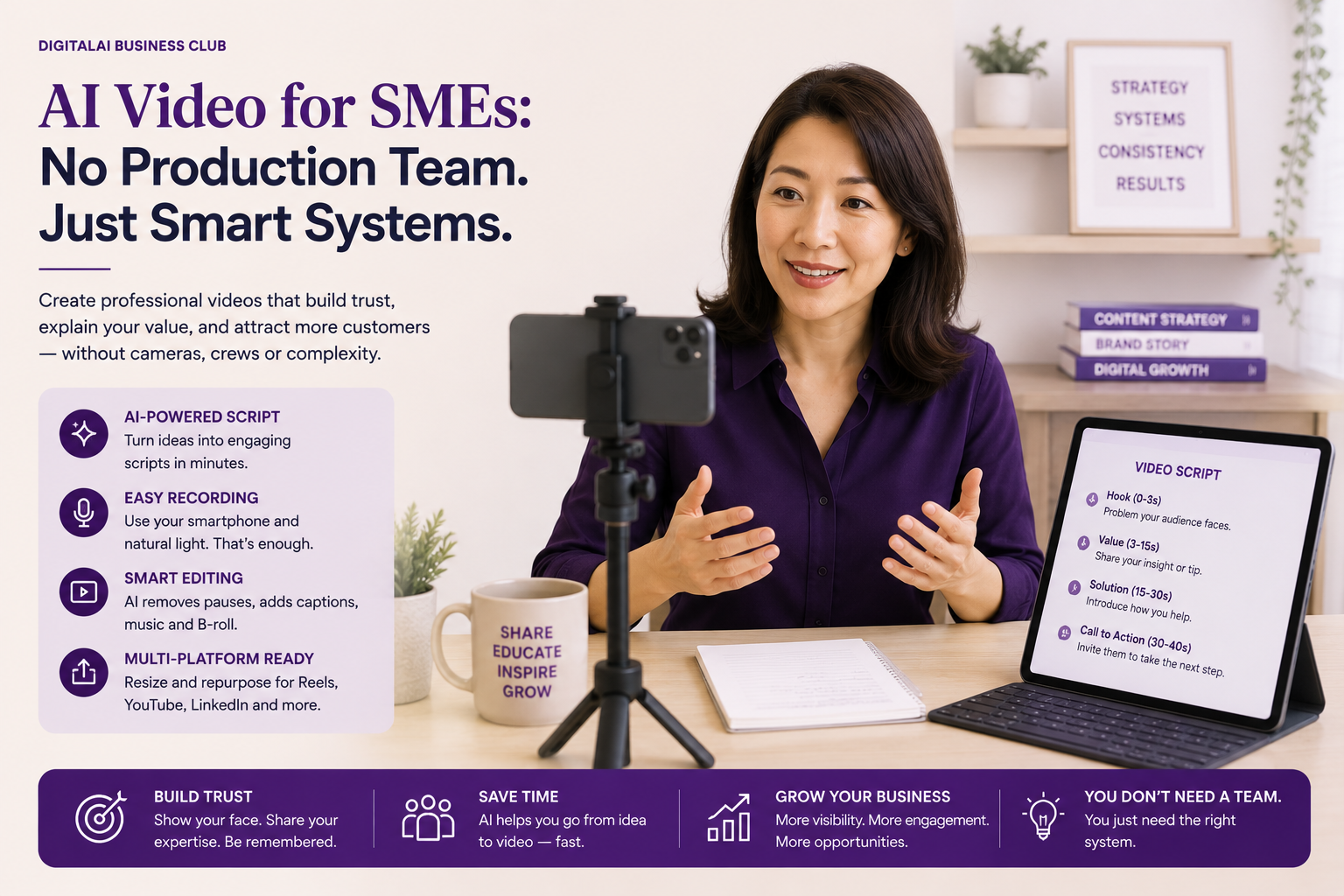
Video is no longer a “nice to have” for SMEs. It’s a reach multiplier. But most business owners still hear “video” and picture a camera crew, a studio, and a budget they don’t have. In 2026, none of that is required to start — a phone, a script, and one AI tool are enough.
Best Answer
SMEs can start using video without a production team by writing the script first, filming on a smartphone, and using one AI tool — Higgsfield, CapCut AI, or Descript — to edit, caption, or generate the finished piece. Claude can write the script itself, removing the biggest time cost in the process. The goal for a first video isn’t production quality. It’s proving the format works before investing further.
A corporate training provider in Petaling Jaya once told me their team had “always wanted to do more video,” but nobody knew how to edit, so the idea sat untouched for two years. The barrier wasn’t equipment or budget. It was the assumption that video required a production team before it could start at all.
This article opens the AI for Video series — the tool overview, the script-first method, and the starter workflow that gets an SME’s first video published this week, not next quarter.
Why Video Is a Reach Multiplier, Not a Nice-to-Have
Static posts tell people about a business. Video lets people see and hear who they’re actually buying from — and on most platforms in 2026, it continues to reach further than static content does. For SMEs competing on trust rather than price, that combination of reach and trust is difficult to replace with text alone.
The mistake most owners make isn’t underestimating video’s value. It’s overestimating what’s required to start. Waiting for the “right” equipment or a hired videographer usually means waiting indefinitely, while competitors publish something imperfect and improve as they go.
The first video doesn’t need to be good. It needs to exist — so you have something to improve.
The AI Video Toolkit: Higgsfield, CapCut AI, Descript
You don’t need all three of these tools to start. Understanding what each one does well makes it easier to pick the one that fits your first video.
| Tool | What It’s Good For | Best First Use |
|---|---|---|
| Higgsfield | AI-generated and AI-edited video from images, text, or reference clips, including motion and avatar-style content | When you don’t want to appear on camera yourself, or need a quick visual from an existing photo/idea |
| CapCut AI | Mobile-friendly editing — trimming, AI captions, B-roll suggestions, quick turnaround on a phone | Editing a talking-head or behind-the-scenes clip filmed on your own phone |
| Descript | Script-based editing — cut video by editing the transcript, plus AI voice and repurposing into clips | Turning a longer recording (a webinar, a Q&A) into several shorter, captioned pieces |
If you’re starting from zero, pick one based on your first use case rather than trying to learn all three at once. Most SME video systems eventually use two of the three — rarely all of them at the same time.
The Script-First Method
The single habit that separates SMEs who stay consistent with video from those who give up after two attempts: writing the full script before filming or generating anything.
Script-first works for three practical reasons:
- No reshoots. A weak script filmed well is still a weak video. Fixing it on the page is free; fixing it after filming costs time.
- One script, several formats. The same approved script can become a talking-head video, an AI avatar video, or a voiceover-and-B-roll piece — without rewriting from scratch each time.
- Faster on camera. Reading a tight, familiar script removes the awkward pausing and rambling that makes people avoid filming altogether.
Not Sure Where Video Fits Into Your Content Plan?
The AI Customer Profit Engine framework inside DigitalAI Strategy Vault Membership shows you exactly where video fits alongside your other content — so it supports your funnel instead of becoming one more thing to keep up with.
Explore Strategy Vault Membership Join the Free WhatsApp CommunityWrite Your Video Script With Claude
The blank page is usually the slowest part of making a video. Claude can turn a rough idea or a voice note into a structured script in your brand voice — script-first, before a single frame is filmed.
Prompt: Write My Short-Form Video Script
Problem: I have an idea for a short video but no script, and I don't
want to ramble on camera.
Role: Act as a video scriptwriter for a Malaysian SME, writing in a
calm, practical, non-hype brand voice.
Instruction: I will describe my video idea and the platform I'm posting
to. Write a 30-60 second script with: a hook line (names a specific
pain point in the first 3 seconds), a clear middle section (one idea,
not three), and a simple call to action. Keep sentences short enough
to say naturally on camera.
Structure: Present as a labelled script — HOOK / MIDDLE / CTA — with
approximate seconds for each section, plus one alternative hook line
I can test against the first.
Milestone: Flag if the script is trying to cover more than one idea,
and suggest what to cut so the video stays under a minute.

Video idea: [describe your idea]
Platform: [Instagram Reels / TikTok / LinkedIn / Facebook]
Approve the script before filming or generating anything — that’s the whole point of script-first.
Your First AI Video: A Starter Workflow
Here’s the shortest realistic path from idea to a published first video.
| Step | What to Do |
|---|---|
| 1. Script | Use the Claude prompt above to write and approve a script under 60 seconds. |
| 2. Choose format | Film yourself on a phone, or generate an AI avatar version in Higgsfield if you’d rather not appear on camera. |
| 3. Edit | Trim, caption, and clean up in CapCut AI (phone-filmed) or Descript (transcript-based editing). |
| 4. Publish once | Post to your one primary platform. Resist editing further before it’s out — done beats perfect for a first video. |
| 5. Review, don’t reinvent | Watch how it performs, adjust the next script accordingly, and repeat with the same simple workflow. |
Frequently Asked Questions
Do I need a camera crew or studio to start using video for my business?
No. Most SME video content today starts with a smartphone, a written script, and an AI tool for editing, captions, or voice. A production team becomes useful once video is a proven part of your marketing — not before you’ve tested whether it works.
What is the script-first method for AI video?
The script-first method means writing and approving your full script before you film or generate anything. It saves reshoots, keeps the message tight, and means one script can be turned into a talking-head video, a voiceover, or an AI avatar video without starting over each time.
What do Higgsfield, CapCut AI, and Descript actually do?
Higgsfield generates and edits AI video from images, text, and reference clips, including motion and avatar-style content. CapCut AI is a mobile-friendly editor with AI captions, B-roll suggestions, and quick trimming. Descript is a script-based editor where you edit video by editing the transcript, plus AI voice and repurposing tools. Most SMEs only need one or two of these to get started, not all three.
How can Claude help with video scripts?
Claude can turn a rough idea or voice note into a structured script with a hook, a clear message, and a call to action in your brand voice — the part of video creation that usually takes the longest when done from scratch. You still direct the content; Claude removes the blank-page problem.
Is video really necessary for a small business in 2026?
Video isn’t mandatory, but it consistently reaches further than static posts on most platforms in 2026, and it builds trust faster because people can see and hear who they’re buying from. For SMEs competing on trust rather than price, that reach and trust advantage is difficult to replace with text alone.
Where should a busy SME owner start with AI video?
Start with one script written using the script-first method, filmed on a smartphone, and edited with one AI tool — not three. Publish it, watch how your audience responds, and only add more tools or formats once that first video proves the format works for your business.
Learn the Full AI Video Workflow — HRDC Claimable
Claude AI for Business Training includes hands-on practice with script-first video, AI editing tools, and repurposing a single script into multiple formats — claimable under HRDC SBL-Khas for eligible companies.
Explore the Training WhatsApp Us: 012-666 9892