

Interview with LAr. Ang See May, Director of May Design By Jane Chew, Founder, AI Strategy Consultant and Trainer of DigitalAI Business Club
How a Landscape Architect Cut Proposal Time by 40% With AI
The short version: LAr. Ang See May, Director of May Design Sdn Bhd, attended DigitalAI Business Club’s Claude AI and Gemini AI training, led by DigitalAI trainer Kalmen Chia. She now uses Claude for proposal writing and Gemini with Nano Banana Pro for design visualisation — cutting proposal time by roughly 40% and turning half-day rendering work into a two-to-five-minute task.
Quick Answer
A Malaysian landscape architecture firm reduced proposal writing time from about one hour to 35–40 minutes using Claude, and cut design visualisation work from half a day to two to five minutes using Gemini and Nano Banana Pro — after learning a role–audience–end product prompting framework through DigitalAI Business Club’s AI training.
Most AI adoption stories start with a tool. See May’s started with a bottleneck she could already name: too many hours going into proposals and renders that clients would glance at for two minutes before moving on to the next decision.
She didn’t set out to overhaul her firm’s operations. She set out to reclaim the hours her design process was quietly losing — and the numbers she can now point to came from fixing exactly two stages of her workflow, not all of them.
The business behind the proposal
May Design Sdn Bhd is a landscape architecture and interior design practice based in Sungai Petani, Kedah, run by a certified landscape architect with over 15 years in the industry. See May’s design process follows a familiar sequence for the profession: schematic design, design development, authority submission and approval, technical documentation, and contract implementation.
Each stage carries its own paperwork. Proposals need to be written and rewritten for different clients. Concept renders need to look client-ready, not like a work-in-progress sketch. Before AI, both of those were manual, and both ate into billable time without adding anything a client would actually notice as “extra”.
That’s the pattern worth naming: the time wasn’t lost on the creative work clients pay for. It was lost on the packaging around it.
From one hour to under 40 minutes: proposal writing with Claude
Claude is her main writing tool — proposals, English refinement for presentations, and quiz generation for the part-time lecturing she also does. Asked to put a number on it, she was specific: proposal writing that used to take about an hour now takes roughly 35–40 minutes.
| Task | Before AI | After AI |
|---|---|---|
| Proposal writing | ~60 minutes | ~35–40 minutes |
| Design intervention render (photo + edit) | Half a day | ~2 minutes |
| 3D modelling idea generation from SketchUp | Half a day | ~5 minutes |
A 40% cut on a single document doesn’t sound dramatic on its own. But proposals aren’t a one-off task in a design firm — they recur every time a new lead comes in. That’s the detail worth sitting with: the saving isn’t the story. The fact that it repeats every week is.
Want a prompting framework that actually works?
The role–audience–end product framework behind these results is taught step by step inside the Claude AI Masterclass.
Join the Claude MasterclassFrom half a day to two minutes: design visuals with Gemini
The second stage See May pointed to was visualisation — and this is where the time savings get harder to ignore.
Previously, turning a site photo into a design intervention concept meant opening Photoshop: matching the camera angle, placing human-scale figures correctly, adjusting proportions by hand. It was a task she describes as taking most of a day when done properly.
With Gemini and Nano Banana Pro, the same output takes about two minutes. For idea generation from a SketchUp model — turning a rough 3D render into something with marketing-brochure quality — she puts the time at around five minutes, down from half a day.
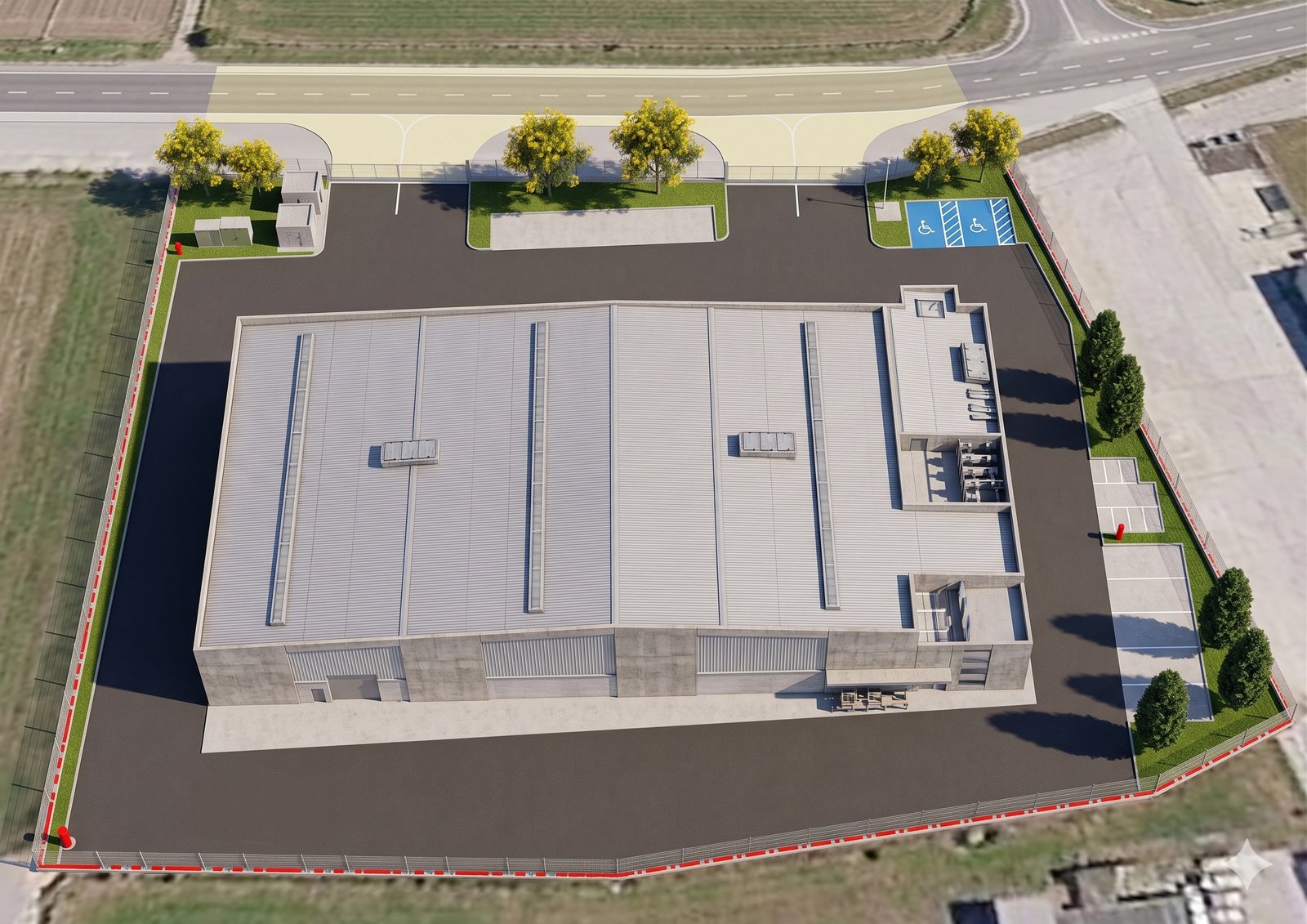
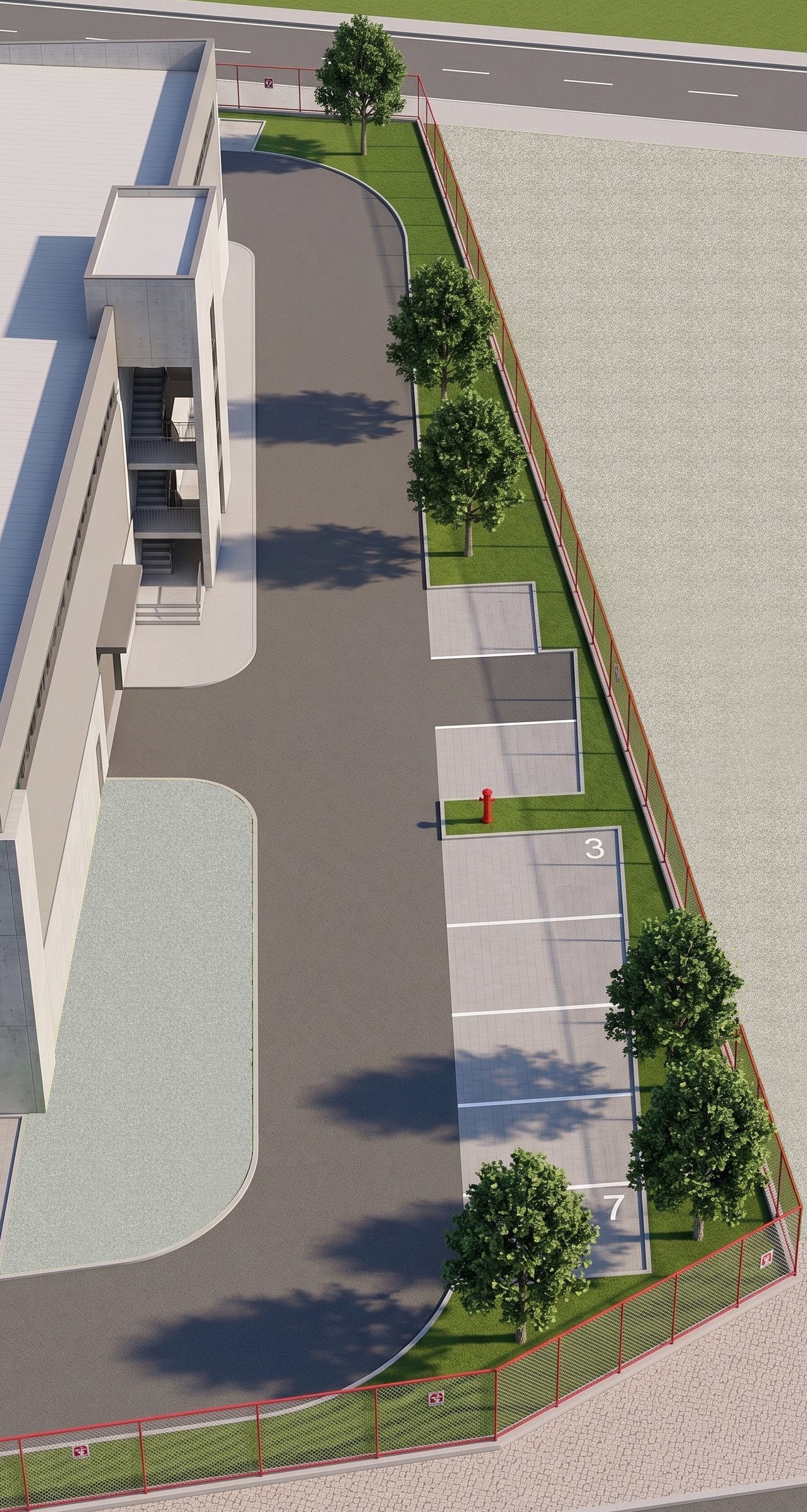
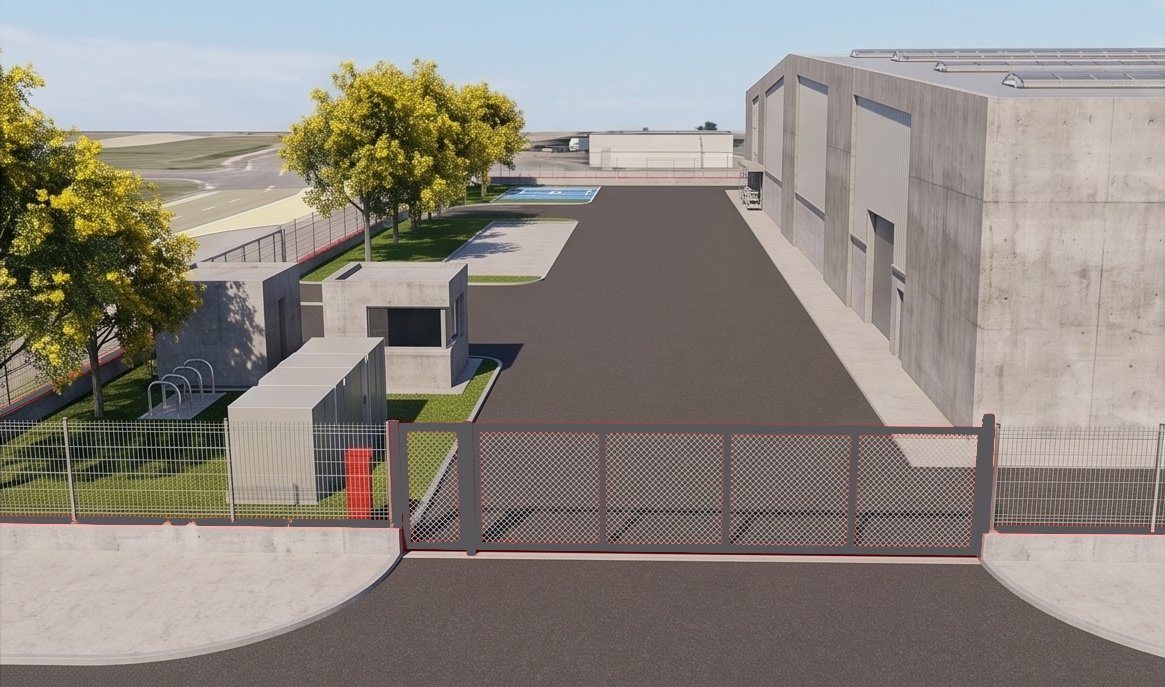
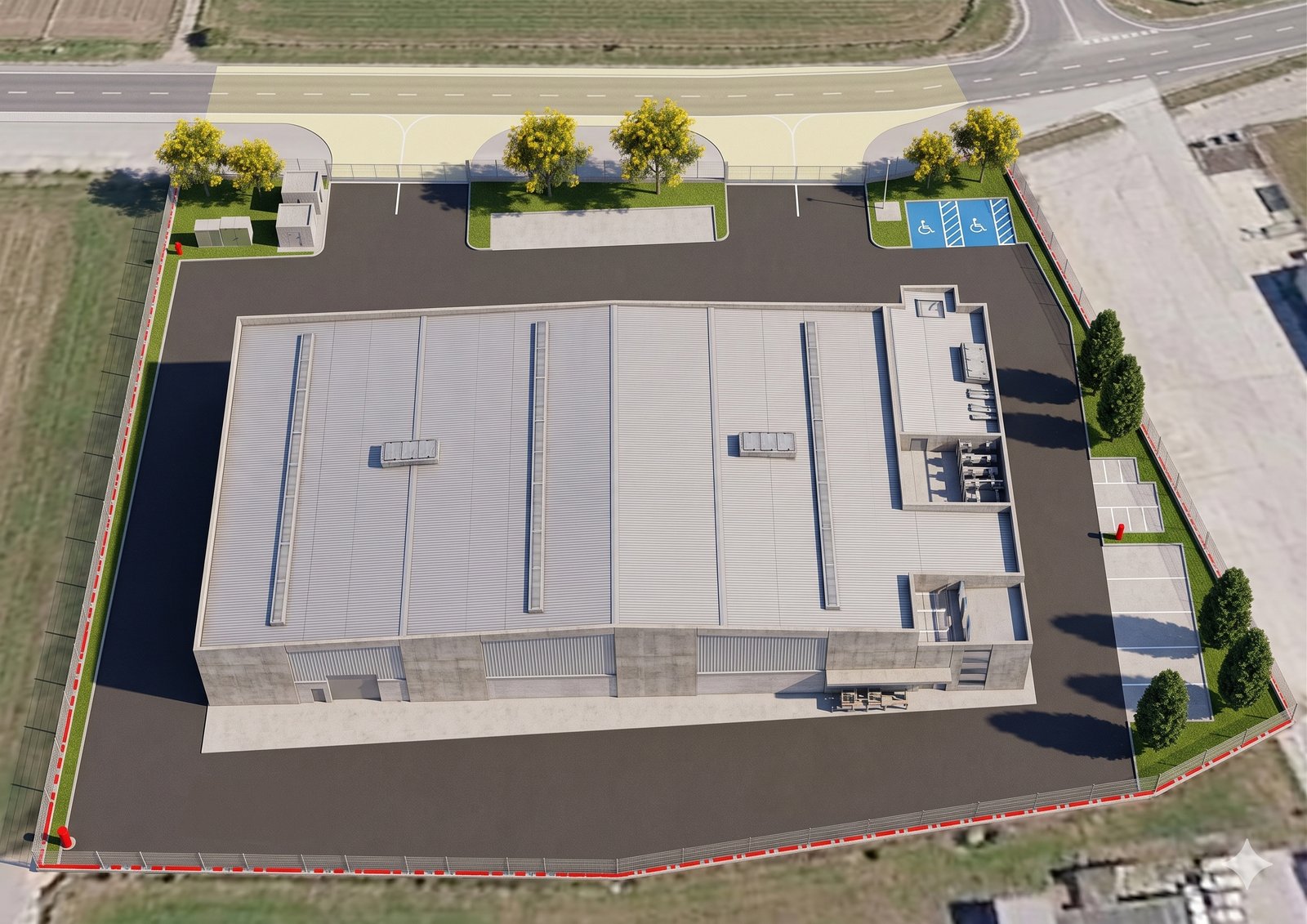
Actual concept renders from See May’s workflow — Gemini and Nano Banana Pro turn site photos and SketchUp models into marketing-brochure-quality visuals in minutes.
Two tools, two different jobs: Claude for structure and language, Gemini for realistic visual output. She’s kept the stack deliberately narrow rather than adding more software on top.
The prompting framework behind the results
The numbers above aren’t the result of a lucky prompt. They’re the result of a specific habit she picked up in training under DigitalAI trainer Kalmen Chia: before asking AI for anything, state your role, your audience, and the exact end product you want.
She described the difference plainly — vague prompts produced vague, generic output. Prompts that specified who she was, who the design was for, and what the finished visual needed to look like produced results accurate enough to send to a client with minimal editing.
That’s the part other SME owners tend to skip. It’s tempting to treat AI adoption as a tool decision — which software, which subscription. See May’s experience says the framework for asking comes first, and the tool is secondary.
What’s still manual — and why that’s the right call
Just as telling is what she hasn’t automated. Contract implementation — site defect reports, photo documentation, contractor sign-off — remains fully manual. She was clear about why: it’s judgement-heavy, site-specific work where the AI hasn’t yet earned a place in her process.
Project inventory tracking is also only partly set up, currently living in a Google Sheet rather than a fully AI-assisted workflow. She’s aware there’s more available — Claude’s project and file-management capabilities go further than what she’s using today — but she’s sequencing that as a next step, not a day-one requirement.
That restraint is itself a lesson. AI adoption that sticks tends to start narrow: two tools, two workflow stages, and a prompting habit applied consistently — not every stage of the business automated at once.
The pattern to borrow: Map your process stage by stage. Apply AI only where the task is repetitive and the judgement required is low. Leave the judgement-heavy stages manual until you’ve built confidence — and a track record — with the rest.
Frequently Asked Questions
What AI tools does See May use in her landscape architecture business?
Claude for proposal writing, English refinement, and quiz generation for lecturing. Gemini, paired with Nano Banana Pro, for design visualisation and rendering. Two tools, kept deliberately separate by function.
How much time does AI save on proposal writing?
Proposal writing time dropped from roughly one hour to 35–40 minutes — about a 40% reduction — and this repeats with every new proposal, not just once.
How is Nano Banana Pro used for landscape design visuals?
It turns site photos and SketchUp renders into marketing-brochure-quality visuals, matching angles and adding human-scale figures. Work that took half a day in Photoshop now takes two to five minutes.
Can non-technical business owners learn to use AI like this?
Yes. The starting point wasn’t technical skill — it was a structured prompting framework (role, audience, end product), taught by DigitalAI trainer Kalmen Chia, that made results repeatable rather than accidental.
What prompting framework did she learn in the training?
A role–audience–end product framework: state who you are, who the output is for, and the exact finished result you want, before asking for anything else.
Should service-based SME owners start with AI tools or AI strategy first?
Start by mapping where time is actually lost in your workflow. See May applied AI only where friction was clear — proposals and visualisation — and deliberately left judgement-heavy stages, like contract implementation, manual.
Turn AI Confusion into Business Clarity
See May’s results came from applying a simple framework to two workflow stages — not from adopting every AI tool at once. The Claude AI Masterclass teaches that same framework, so you can build your own version of this win.
Join the Claude AI Masterclass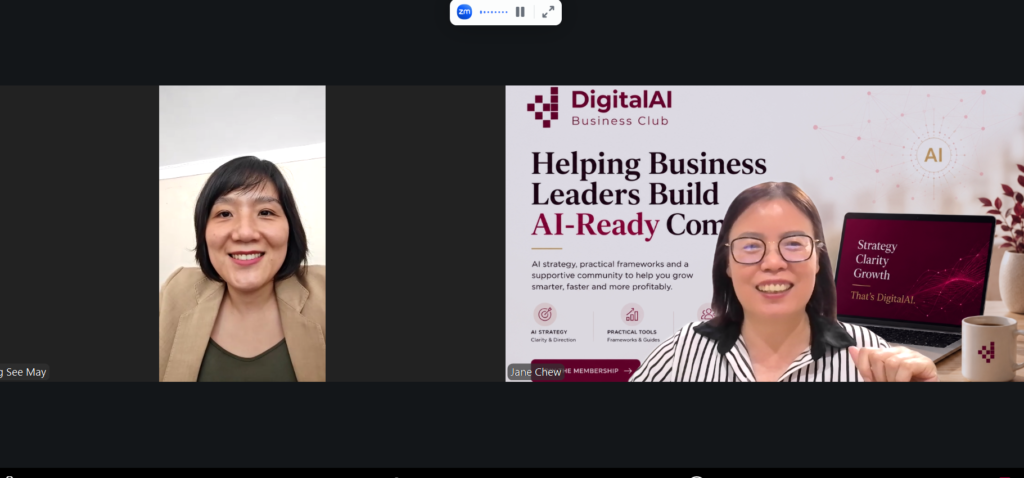
LAr. Ang See May sharing her AI adoption journey with Jane Chew, Founder DigitalAI Business Club.
If you would like to adopt AI in your company or simply share your use case, please email janechew@digitalaibusinessclub.com.