How to Structure AI Image Prompts for Better, Faster, and More Consistent Results
A strong AI image prompt gives the model a clear visual blueprint. The best prompts usually combine subject, action, environment, style, lighting, mood, and perspective. When these elements are specific and intentional, AI tools are more likely to generate visuals that match your goal with less trial and error.
Whether you are creating product images, branded visuals, social media creatives, or concept art, the quality of your result depends heavily on the quality of your prompt. Clear prompts improve output, reduce wasted iterations, and give you more control over the final image.
Table of Contents
Why AI Image Prompts Matter
AI image generation works best when your instructions are precise, visual, and well-structured. If your prompt is vague, the output often becomes generic, inconsistent, or far from what you intended. If your prompt is clear, the AI has better direction and can produce visuals that feel more aligned, polished, and usable.
Think of prompting as creative direction. You are not just telling the AI what to make. You are telling it what to show, how it should feel, and how it should be framed.
Key Benefits of Strong AI Image Prompts
1. Better visual quality
Well-crafted prompts help AI produce images that look more professional, realistic, artistic, or brand-aligned.
2. Faster results
When your prompt is structured clearly, you reduce guesswork and avoid unnecessary rounds of revision.
3. Lower generation costs
Fewer failed outputs mean fewer paid generations wasted on trial and error.
4. Greater creative control
You can shape the image more intentionally by specifying composition, lighting, color, style, mood, and camera angle.
5. More consistent output
A repeatable prompt structure helps you generate visuals that feel cohesive across a campaign, product catalog, or content series.
The Core Prompt Formula
You do not always need every element, but this formula gives you a strong starting framework. The more important the image is, the more useful it becomes to define each part clearly.
The Essential Elements of a High-Quality Prompt
1. Subject
Start with who or what should appear in the image. Be specific.
Example: A young woman, a honey jar, a luxury office desk, a futuristic electric car.
2. Action or pose
Describe what the subject is doing or how it is positioned.
Example: Sitting by a window, holding a product, walking through a market, viewed from above.
3. Environment or background
Tell the AI where the scene takes place.
Example: In a tropical waterfall setting, inside a modern café, in an autumn park, against a studio backdrop.
4. Style
Define the visual treatment or creative direction.
Example: Photorealistic, cinematic, watercolor, editorial fashion, fantasy art, minimalist product photography.
5. Lighting
Lighting strongly affects realism and mood.
Example: Golden hour sunlight, soft natural light, dramatic side lighting, neon glow.
6. Mood
Use mood words to guide the emotional tone of the image.
Example: Calm, premium, vibrant, mysterious, refreshing, playful.
7. Perspective or composition
Describe the camera angle, framing, or layout.
Example: Close-up portrait, wide-angle shot, top-down flat lay, slightly oblique angle, centered composition.
Optional Details That Improve Image Quality
Once your main structure is clear, you can add extra layers to make the image more distinctive and refined.
Lighting and color palette
Add specifics such as warm golden light, cool blue tones, or high contrast tropical colors.
Textures and materials
Useful for products, fashion, interiors, and food visuals. Examples include glass reflections, metallic details, linen texture, or water droplets.
Artistic effects
Use effects such as bokeh, cinematic depth of field, soft blur, or painterly brush strokes where appropriate.
Creative references
You can include a broad visual reference such as storybook style, editorial campaign look, or cyberpunk city atmosphere, as long as it supports your goal.
Aspect ratio or dimensions
If the image is for a specific platform, include the required size, such as 1080 x 1350 for a vertical social post.
Examples of Effective AI Image Prompts
Example 1: Fantasy art
Prompt: A young wizard standing in a mystical forest, holding a glowing staff, cinematic lighting, detailed fantasy art, close-up portrait, magical atmosphere.
Example 2: Product lifestyle visual
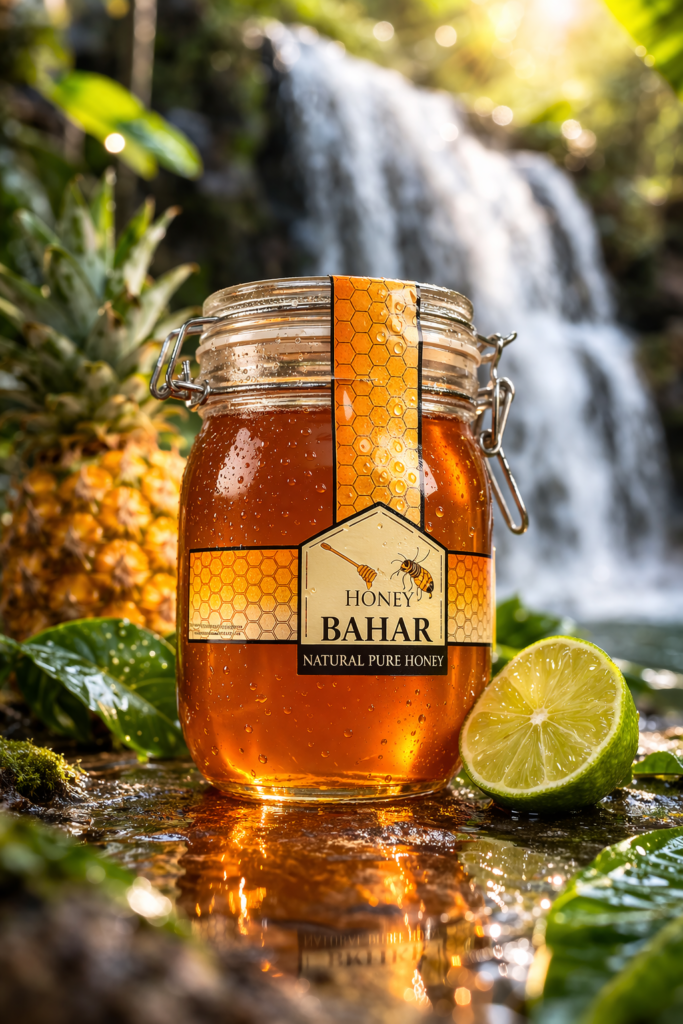
Prompt: A glass jar of pure honey placed beside a tropical waterfall, surrounded by jungle leaves, pineapple, and sliced lime, photorealistic product photography, warm natural light, vibrant colors, subtle water droplets, reflective wet surface, shallow depth of field, 1080 x 1350.
Example 3: Social media brand visual
Prompt: A stylish young woman holding a kombucha can outdoors, tropical summer setting, soft sunlight, vivid citrus accents, refreshing mood, realistic photography, slightly elevated angle, editorial lifestyle composition, 1080 x 1350.
Notice how each example clearly defines the subject, environment, style, lighting, and composition. That clarity is what improves the output.
Common Prompt Mistakes to Avoid
Being too vague
A prompt like make a nice image of a woman with a drink leaves too much room for interpretation.
Overloading the prompt
Too many conflicting details can confuse the AI and reduce coherence.
Ignoring composition
Even with a good subject and style, weak framing can make the image feel generic.
Leaving out mood or lighting
These elements often determine whether the final visual feels premium, cinematic, playful, or flat.
Not matching the prompt to the use case
A product image, ad creative, illustration, and profile portrait each need a different prompt approach.
Final Takeaway
If you want better AI-generated images, do not start by asking the tool for something random. Start by giving it a clear creative brief.
The strongest prompts usually answer these questions:
- What is the main subject?
- What is happening in the scene?
- Where is it taking place?
- What visual style should it follow?
- What lighting and mood should it have?
- How should the image be framed?
When you structure prompts this way, you get sharper outputs, faster iteration, and more consistent visuals across your content, campaigns, and creative work.
Frequently Asked Questions
What is the best structure for an AI image prompt?
A practical structure is subject + action + environment + style + lighting + mood + perspective. This helps the AI generate more accurate and visually aligned results.
Why are my AI-generated images inconsistent?
Inconsistent outputs often come from vague prompts or missing details about style, lighting, mood, and framing.
How do I make AI images look more realistic?
Use clear subject descriptions, realistic environments, natural lighting cues, material details, and camera-style composition instructions.
Do longer prompts always work better?
No. Better prompts are more precise, not necessarily longer. Clear, relevant details usually outperform long prompts with conflicting instructions.
What details improve AI image prompts the most?
The most useful details are subject, setting, style, lighting, mood, and perspective because they shape the overall look and accuracy of the output.
Related Reads
Tags
AI image prompts, prompt engineering, AI visuals, image generation, content creation, branded visuals, product photography prompts, AEO content
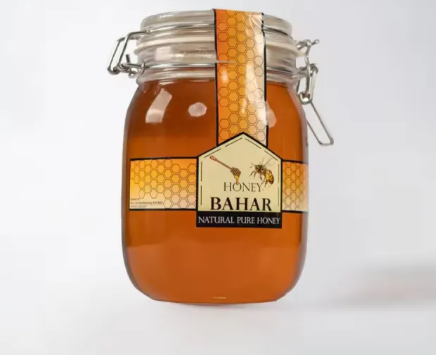
Prompt:
Place this object on a new background. The background is a free flowing waterfall with lots of native jungle plants surrounding it as well as a pineapple and a lime slice next to it and it should have a realistic photo feel. The can is reflected in the water and there are subtle water droplets on the can. The photo style is realistic, bokeh effect, vibrant colours. The image dimensions are 1080px x 1350px.
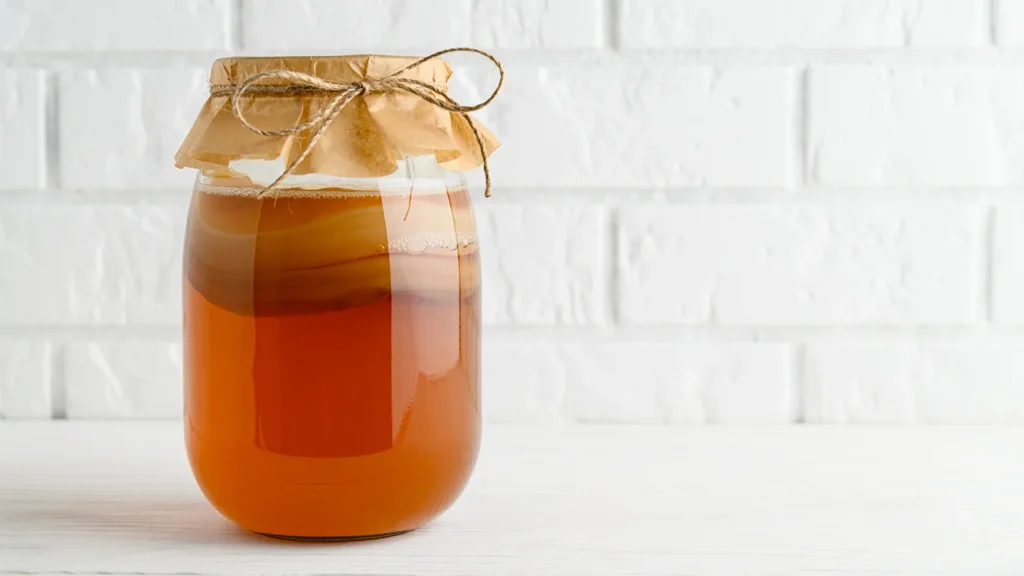
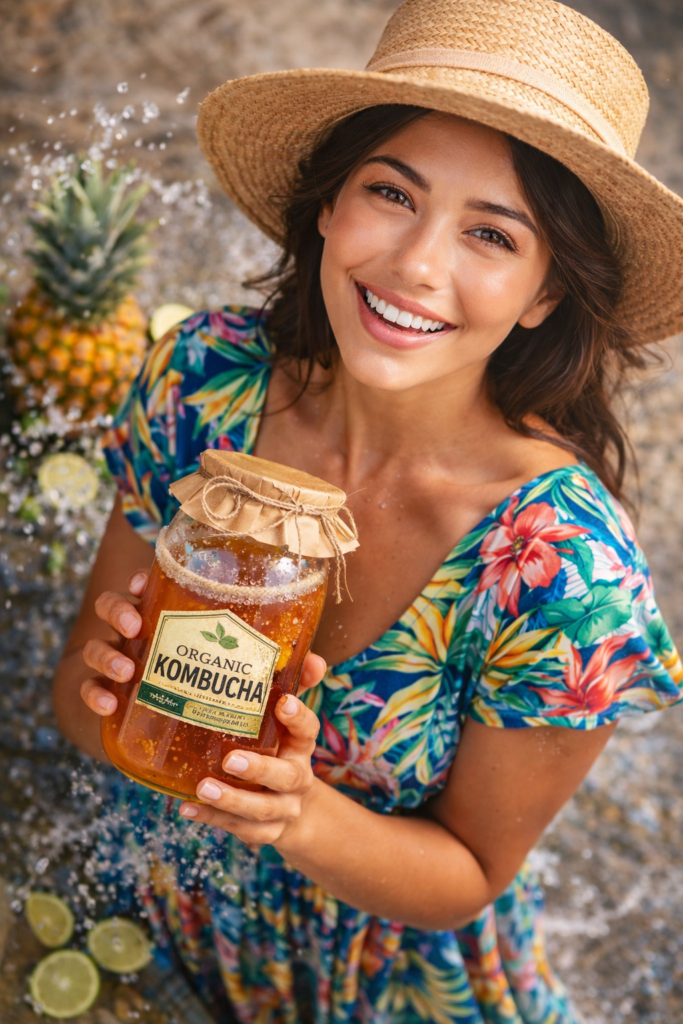
The scene shows a beautiful young girl, resembling a model, viewed from above at a slightly oblique angle, highlighting her full figure. She is smiling and wearing a sleeved beach dress and a hat, and is holding this can of Organic Kombucha. The lighting is natural, with soft light highlighting the texture of the fabric, her skin, and the metallic details of the can. The colours are vivid and contrasting, with accents of sliced limes and pineapple and splashes of water adding a refreshing summer-like atmosphere. The image dimensions are 1080px x 1350px.
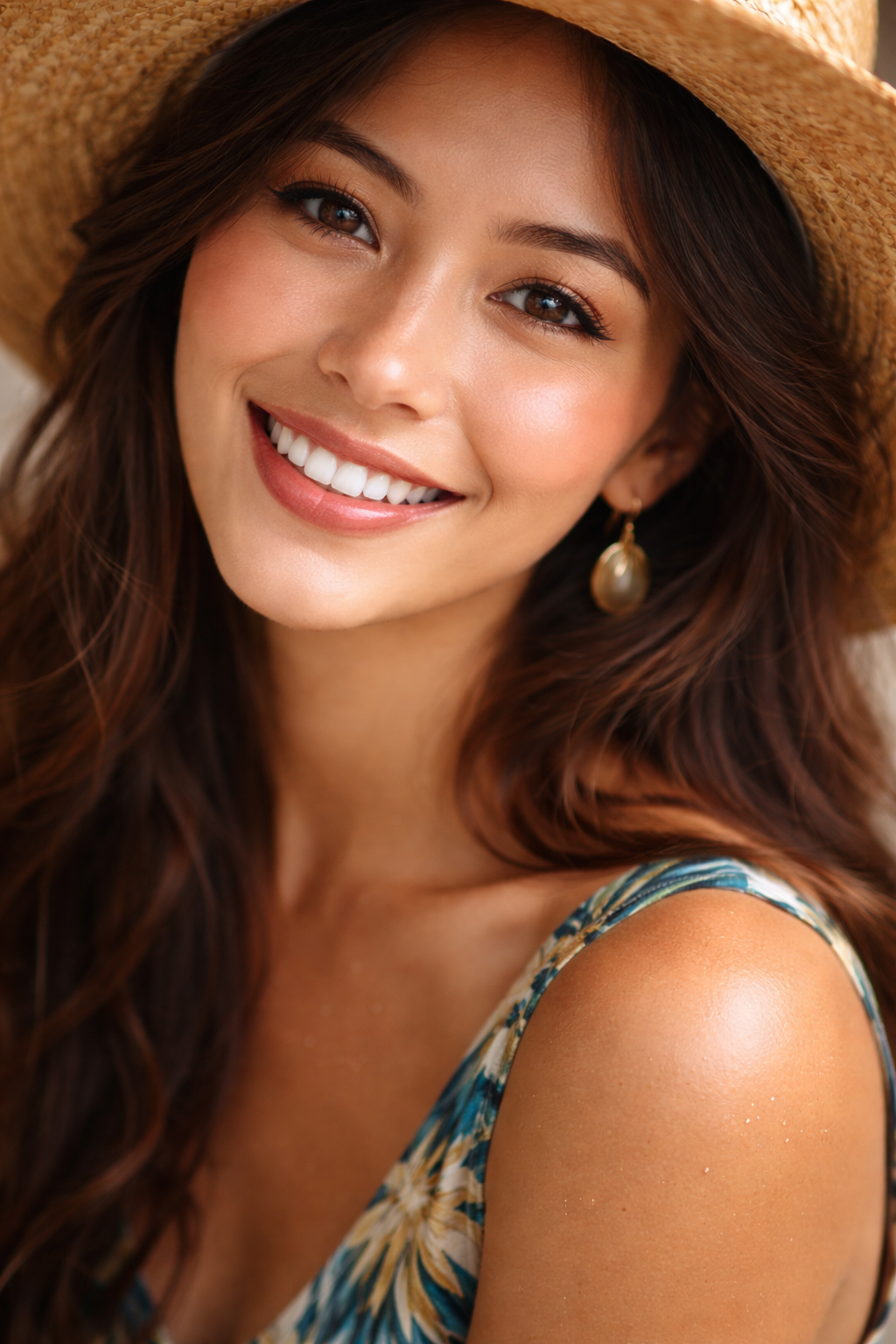
Close-up hyper-realistic portrait of a young woman, soft natural lighting, cinematic, 8K, professional photography style
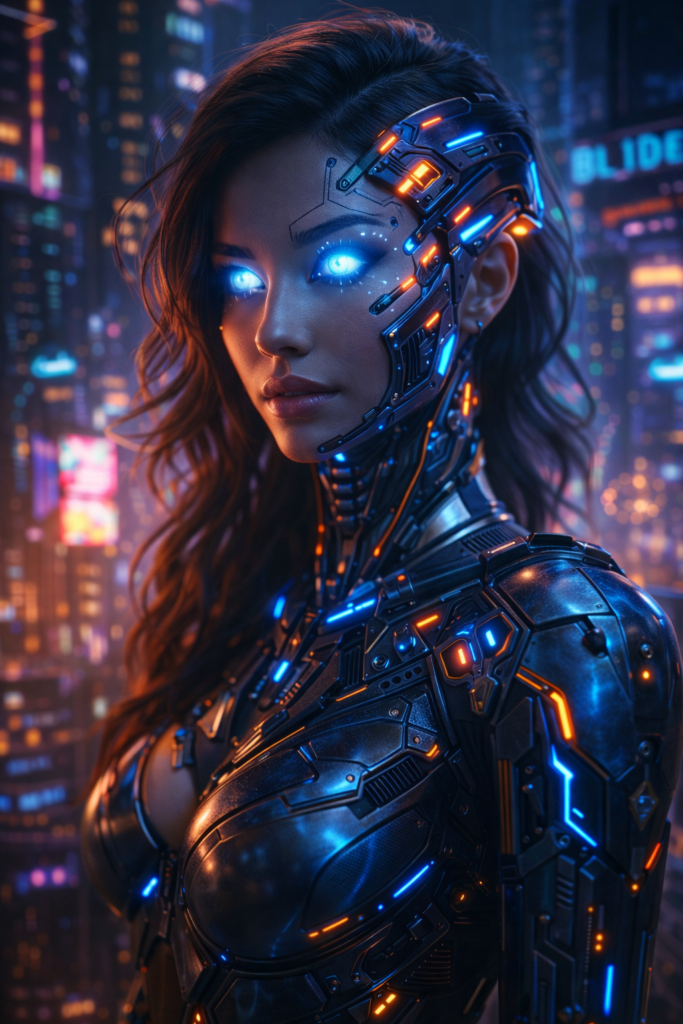
Futuristic cyborg character with neon implants, glowing eyes, cyberpunk city background, cinematic lighting, 8K
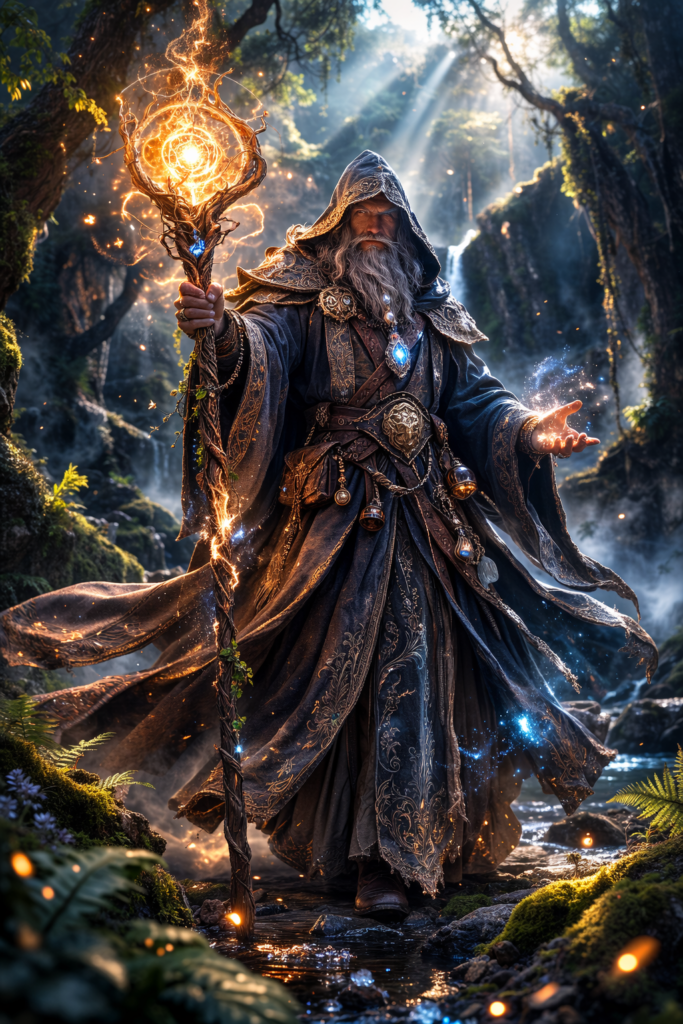
Fantasy wizard holding a glowing magical staff, long flowing robes, mystical forest background, cinematic lighting, 8K
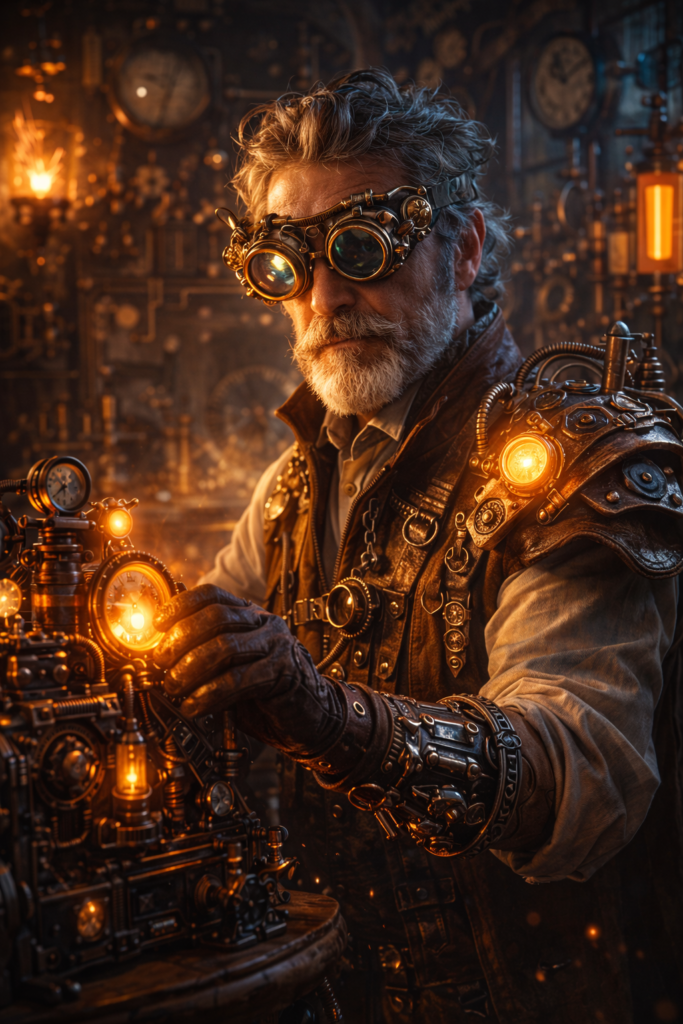
Steampunk inventor with goggles and mechanical gadgets, vintage laboratory background, cinematic lighting, 8K