

Why Most Business Owners Only Use 5% of Claude

Farah had been using Claude for three months before she asked me why it never felt as useful as everyone online made it sound. She wasn’t doing anything wrong. She just didn’t know there was more to it than typing a question and reading the answer.
Best Answer
Most business owners use Claude like a search engine — one question, one answer, tab closed — which is a small fraction of what it can actually do for a business. The shift happens in stages: giving Claude context about your business, building a dedicated workspace for it, connecting your existing tools, and eventually turning repeatable tasks into saved processes it can run on command.
This is Farah’s story, more or less. Some details are changed, but the pattern isn’t — I’ve watched it repeat across dozens of SME owners in the Club. If you’ve ever closed a Claude chat feeling underwhelmed, you’ll probably recognise yourself somewhere in it.
The tab she kept closing
Farah runs a small event styling business out of Petaling Jaya — mostly weddings and corporate launches, mostly booked through Instagram DMs and WhatsApp. Like a lot of the owners I work with, she’d heard enough about AI to feel behind, and enough about Claude specifically to give it a try.
Her first few weeks looked like this: open Claude, ask for a caption, get something serviceable but generic, rewrite half of it herself, close the tab. Ask for a client follow-up message, same thing. Ask for help pricing a package, same thing again. Useful, technically. Never quite worth building a habit around.
“It felt like talking to someone smart who’d never met me,” she told me. That line stuck, because it’s exactly right — and it’s the whole problem in one sentence.
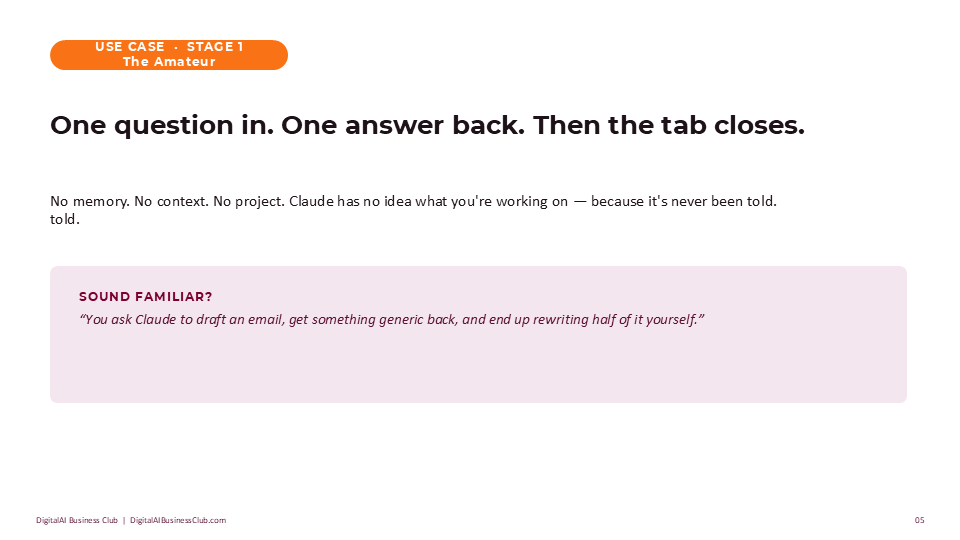
One question, one answer
Here’s what I mean when I say most business owners use less than five percent of what Claude can do. Treating it like a search box — one question in, one answer out — is like hiring a strategist and only ever asking them to confirm today’s date. The capacity is sitting there unused, and it stays unused for one simple reason: nobody ever gave it anything to work with.
Claude has no memory of your business, your brand, or your customers unless you tell it — or unless you ask it to ask you. That second option is the one almost nobody tries first.
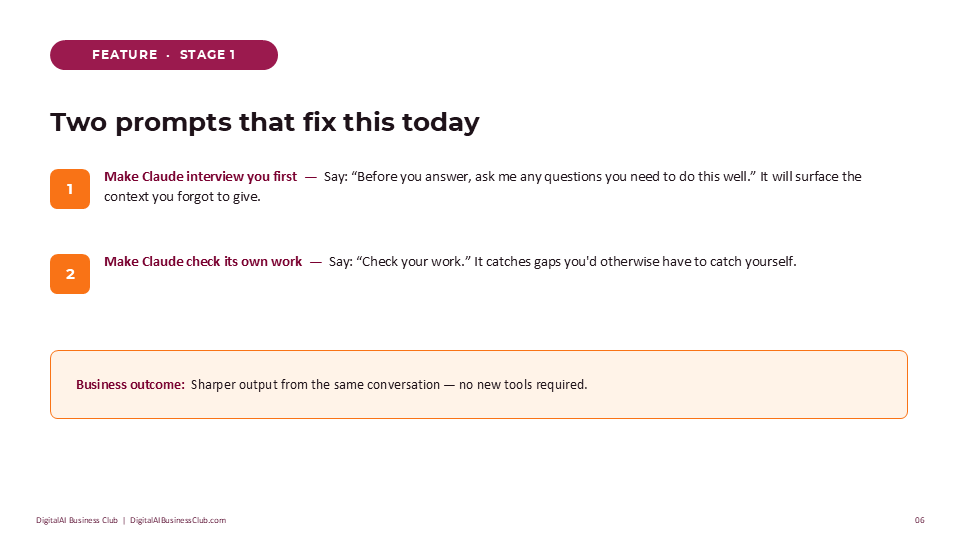
Prompt to Try: Make Claude Interview You First
I need help with [a task — e.g. a follow-up message to a client who hasn't confirmed their booking].

Before you answer, ask me any questions you need to do this well.
This single change was Farah’s first real shift. The questions Claude asked her — about the client’s history, the tone she wanted, what had already been said — were the exact context she’d never thought to volunteer.
The second habit worth building alongside it: ask Claude to check its own work. It’s a strange thing to have to request — of course it should check its own work — but it does catch gaps a rushed first draft leaves behind, and it costs nothing but one extra sentence.
A workspace, not just a chat
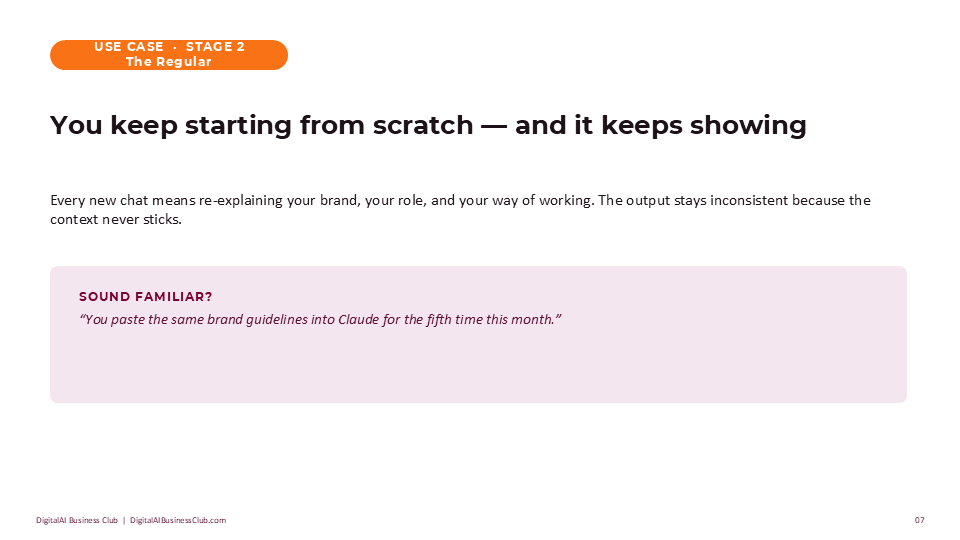
Farah’s second shift came about two weeks later, once the novelty of better one-off answers had worn off and a new frustration set in: she was retyping the same context every single time. Her brand tone. Her pricing structure. The three package tiers she offered. Every new chat, from scratch, again.
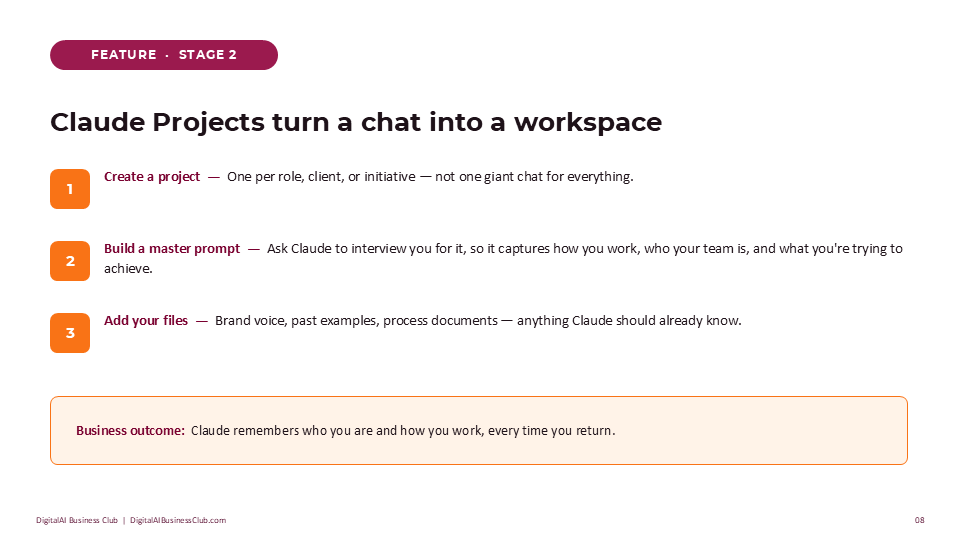
This is where Claude Projects earned their keep. Instead of one long, cluttered conversation — or a dozen separate ones, each starting cold — she built a single workspace for her business, with:
- A master prompt describing how she works, who her clients are, and what she’s usually trying to achieve
- Her actual brand voice and past captions, so new drafts sounded like her, not like a template
- Her pricing tiers and package details, so she never had to restate them
Prompt to Try: Build Your Master Prompt
Interview me to build a master prompt for my role as [your role — e.g. owner of a small event styling business].

Ask me about how I work, who my customers are, and what I'm usually trying to get done.
Save whatever Claude gives you back as a file, and add it to a new Project. That one document is what makes every future conversation start already knowing your business.
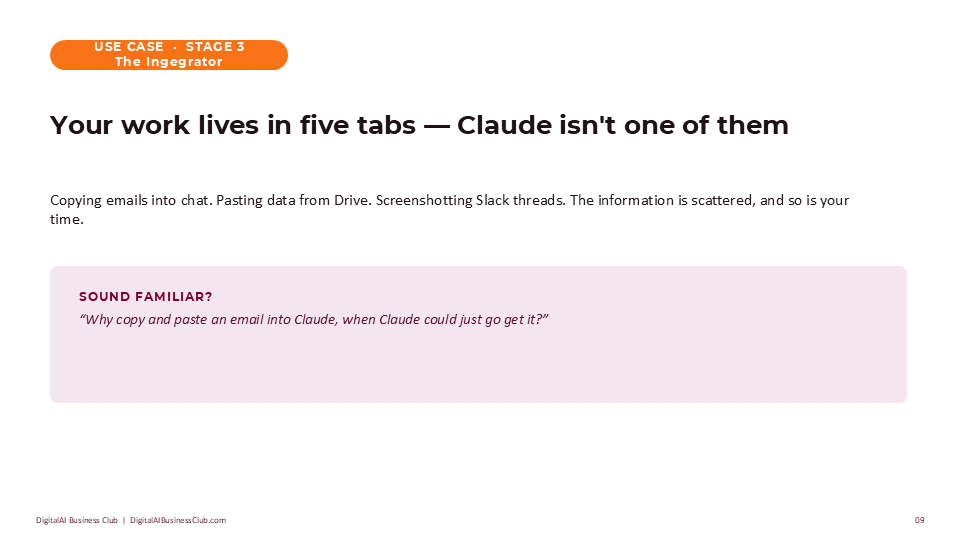
She also connected her Gmail and Google Drive not long after — a smaller shift, but a meaningful one. Instead of copying client emails into the chat by hand, she could ask Claude to pull the thread directly. Small friction removed, repeated dozens of times a week, adds up faster than it sounds.
What would change about your week if Claude already knew your business the way a long-time employee does?
The week she stopped doing it herself
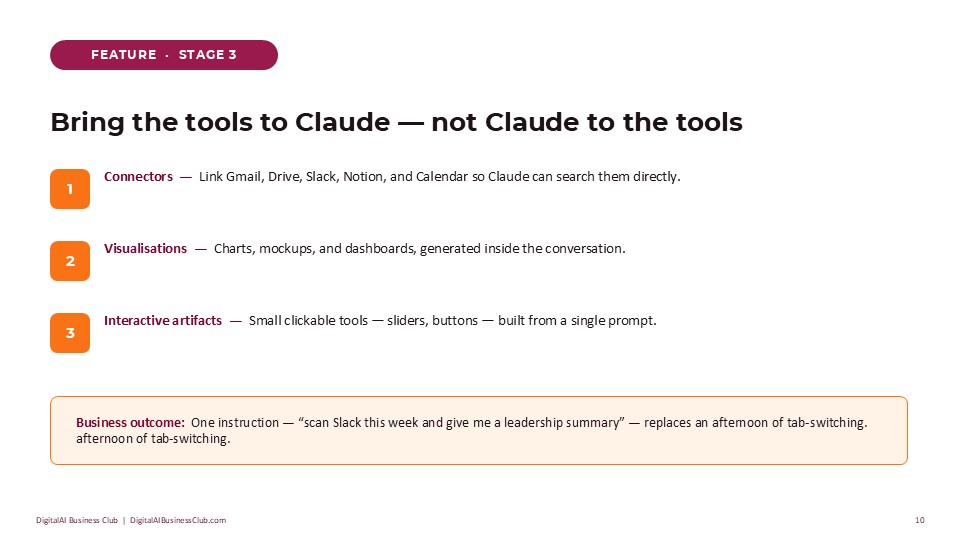
By week five, Farah noticed something that surprised her more than any single answer Claude had given: she was still the one doing all the work. The context problem was solved. The workspace was solid. But every task still needed her to sit down, open the chat, and press go.
This is the quiet ceiling a lot of business owners hit without naming it. The tool is capable. The bottleneck has just moved — from “Claude doesn’t understand me” to “I’m still the one directing every single thing.”
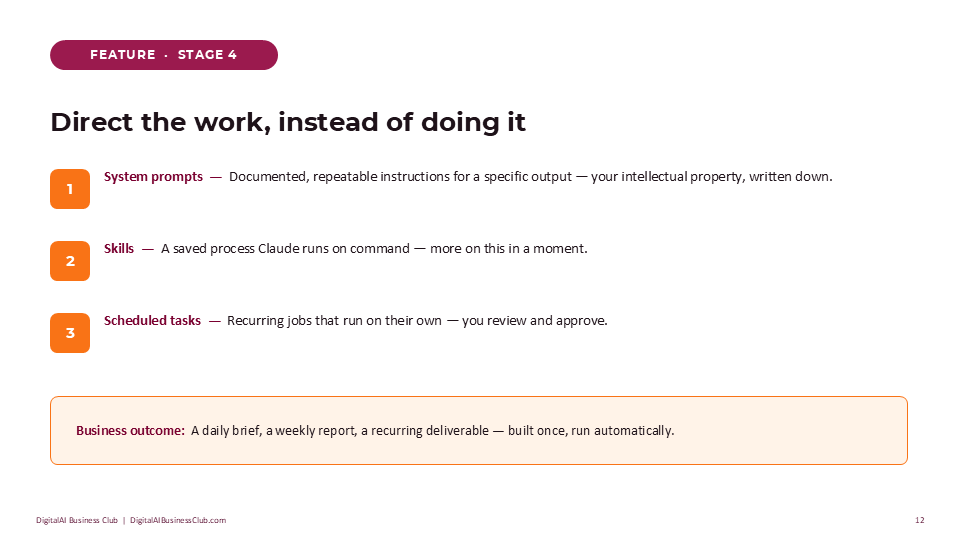
The fix wasn’t complicated. She picked her single most repeated task — a weekly update she sent to her two subcontractors — and instead of writing it fresh each time, she asked Claude to help her turn it into a documented, repeatable process.
Prompt to Try: Turn a Repeated Task Into a Process
I do [a task you repeat weekly or more] the same way most times.

Interview me about how I currently do this, then write it up as a clear, repeatable set of instructions I can reuse.
This is the moment a task stops being “a thing only I can do” and starts being a process someone — or something — else can run.
The recipe book moment
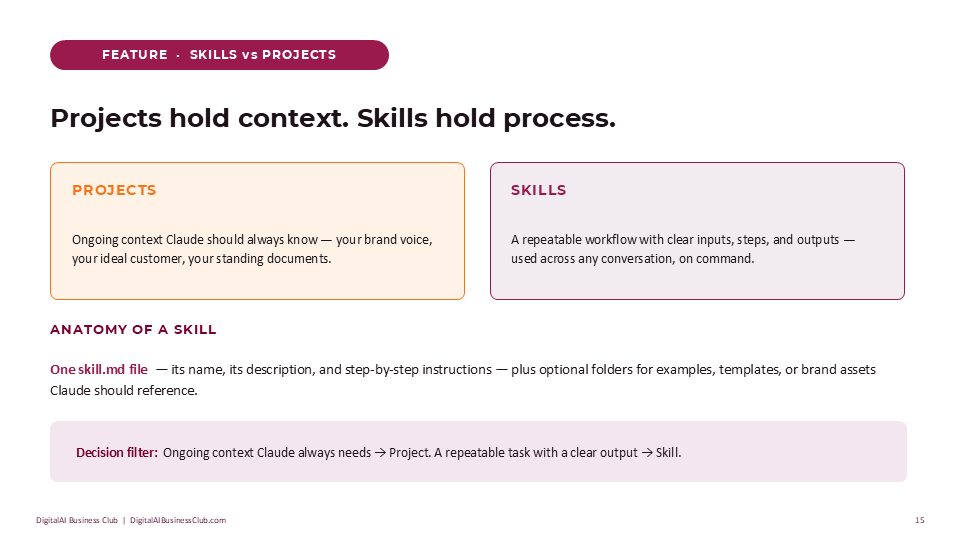
What Farah built in the last section was really an early version of a Claude skill — she just didn’t have the word for it yet. Once she did, the idea clicked faster than anything else in this story.
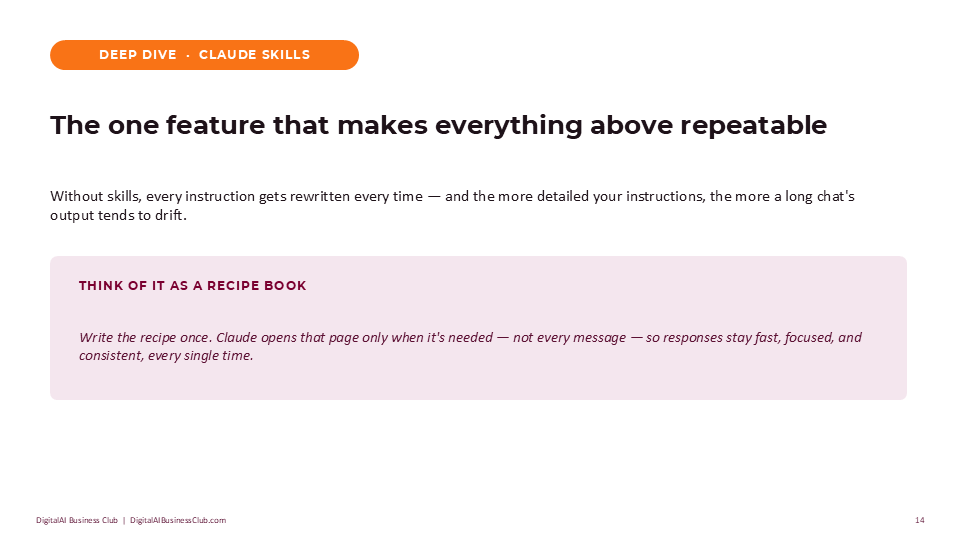
Think of a skill as a recipe you write once. Instead of re-explaining the full method every time you want to cook the dish, Claude opens that recipe only when it’s needed and follows it the same way, every time. Not loaded into every conversation by default — just there, ready, when the task calls for it.
| Feature | What it holds | Best for |
|---|---|---|
| Projects | Ongoing context — brand voice, customers, standing documents | Things Claude should always know about your business |
| Skills | A repeatable process with clear steps and a consistent output | A task you do the same way, often enough to write it down once |
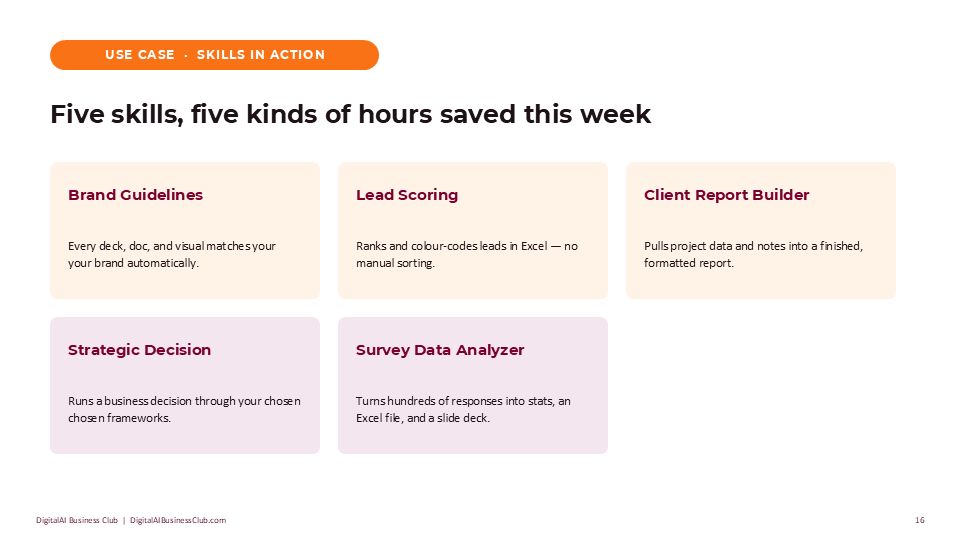
Farah’s first skill scored and ranked new enquiries by budget and event date, so she could see at a glance who to follow up with first. It took her one afternoon to set up. She’s used it every week since.
Not sure which stage you’re at?
The DigitalAI Readiness Assessment takes ten minutes and tells you exactly where your business sits — and what to fix first.
Take the Free AssessmentSix weeks later
None of this made Farah’s business unrecognisable. That was never the promise. What changed was smaller and more durable: she stopped dreading the admin side of her work, because most of it no longer landed entirely on her.
- Client follow-ups went from a dreaded backlog to a five-minute task, because Claude already knew her tone and her packages
- New enquiries were scored and sorted automatically, so she called the right people first
- Her weekly subcontractor update took two minutes instead of twenty, because the process was already written down
“It’s not that Claude got smarter,” she said. “I just finally told it who I was.”
Your turn
If any part of Farah’s early weeks sounded familiar, the fix isn’t a bigger tool or a longer prompt. It’s one small shift, used consistently, before you move to the next one.
- This week: let Claude interview you before it answers, on one real task.
- Next week: build one Project with your business context and brand voice.
- The week after: pick your most repeated task and write it up as a process.
Small, consistent use beats one big setup you never return to.
Keep building your AI strategy with DigitalAI Business Club
Join the Strategy Vault for frameworks, prompt libraries, and monthly live sessions that take you from your first prompt to a working system.
Join the Club See the 3-Level Training Pathway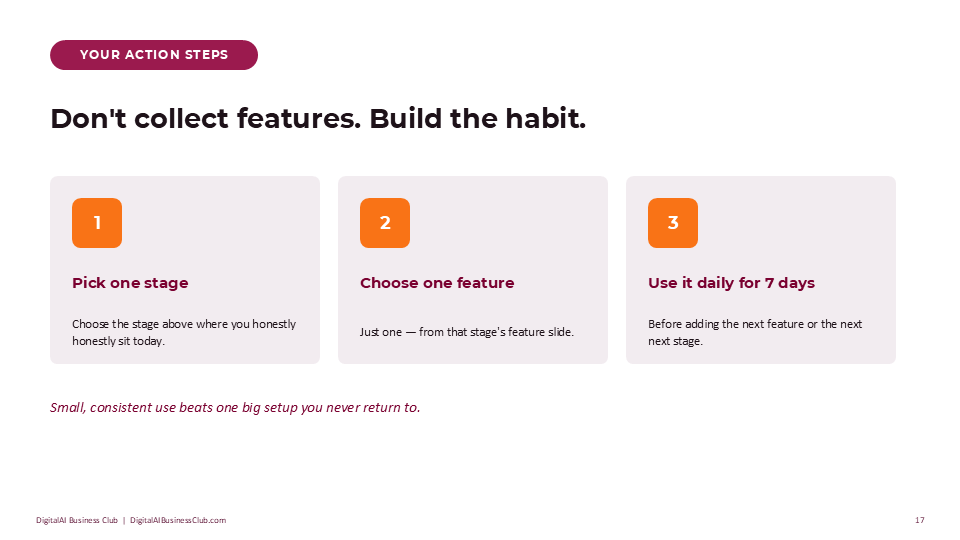
FAQ
What is the Claude Maturity Ladder?
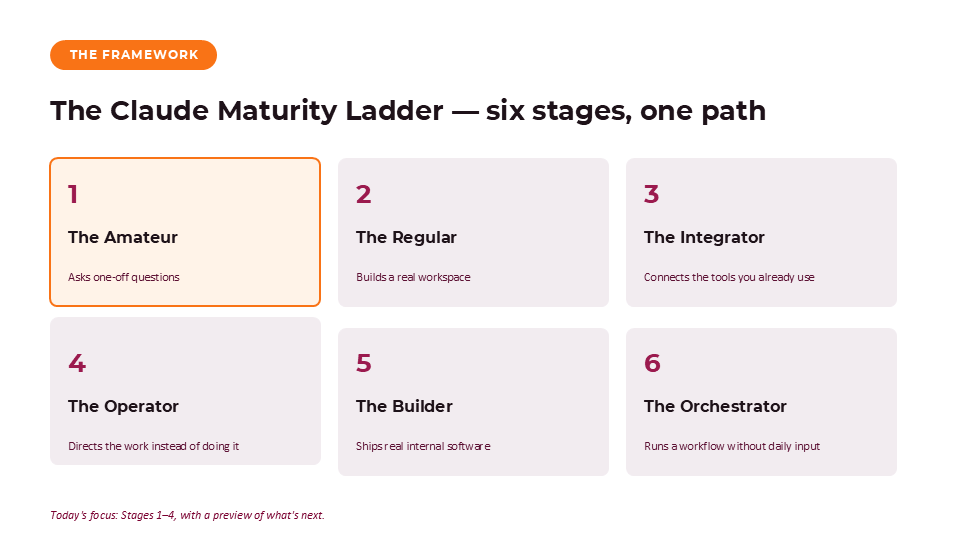
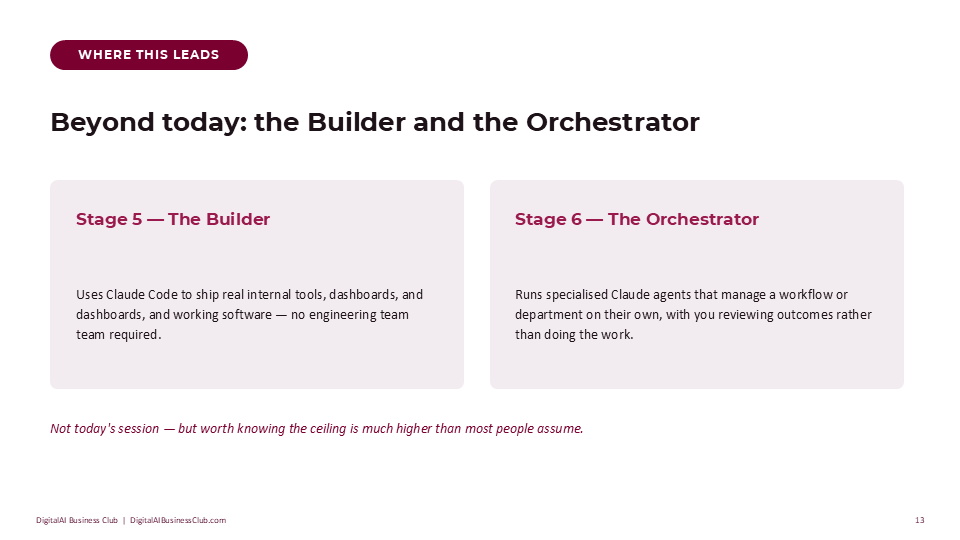
The Claude Maturity Ladder describes how a business owner’s use of Claude typically grows through stages: asking one-off questions, building a dedicated workspace, connecting existing tools, directing repeatable work, and eventually building or running systems that need little daily input. Most business owners stall at the first stage without realising there’s more capability waiting.
Why do beginners get generic answers from Claude?
Generic answers usually come from generic prompts. Claude has no memory of your business, brand, or working style unless you provide it — so a bare question produces a bare, average answer. Giving context up front, or letting Claude ask you questions first, closes most of that gap immediately.
How can I make Claude remember my business context?
Use Claude Projects. A project holds a master prompt describing your role, your customers, and how you work, plus any files Claude should reference — brand guidelines, past examples, or process notes. Once that’s set up, every conversation inside the project starts already knowing your business.
What is a Claude skill, and do I need one to get started?
A skill is a saved, repeatable process — written once and reused on command, instead of re-explained every time. You don’t need one on day one. Skills become useful once you notice yourself asking Claude for the same kind of output more than a few times a week.
How much time can a small business realistically save using Claude?
It depends on how many repeatable tasks a business hands off, but owners who move past one-off chats commonly reclaim several hours a week from tasks like drafting client replies, building reports, or scoring leads — once those tasks are set up as a project or a skill rather than repeated manually.