
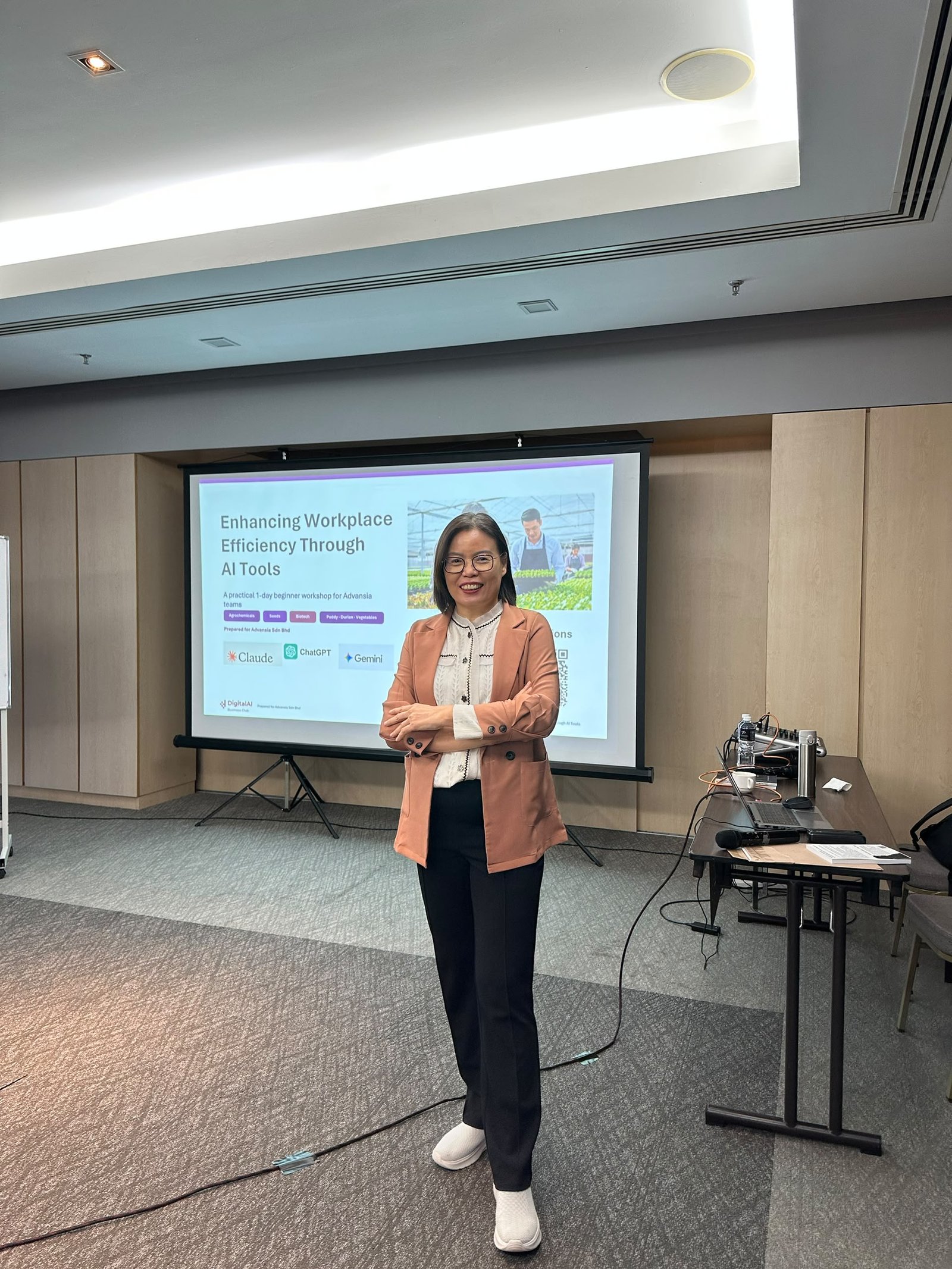
What a 2-Day Workplace AI Training Changed for One Team
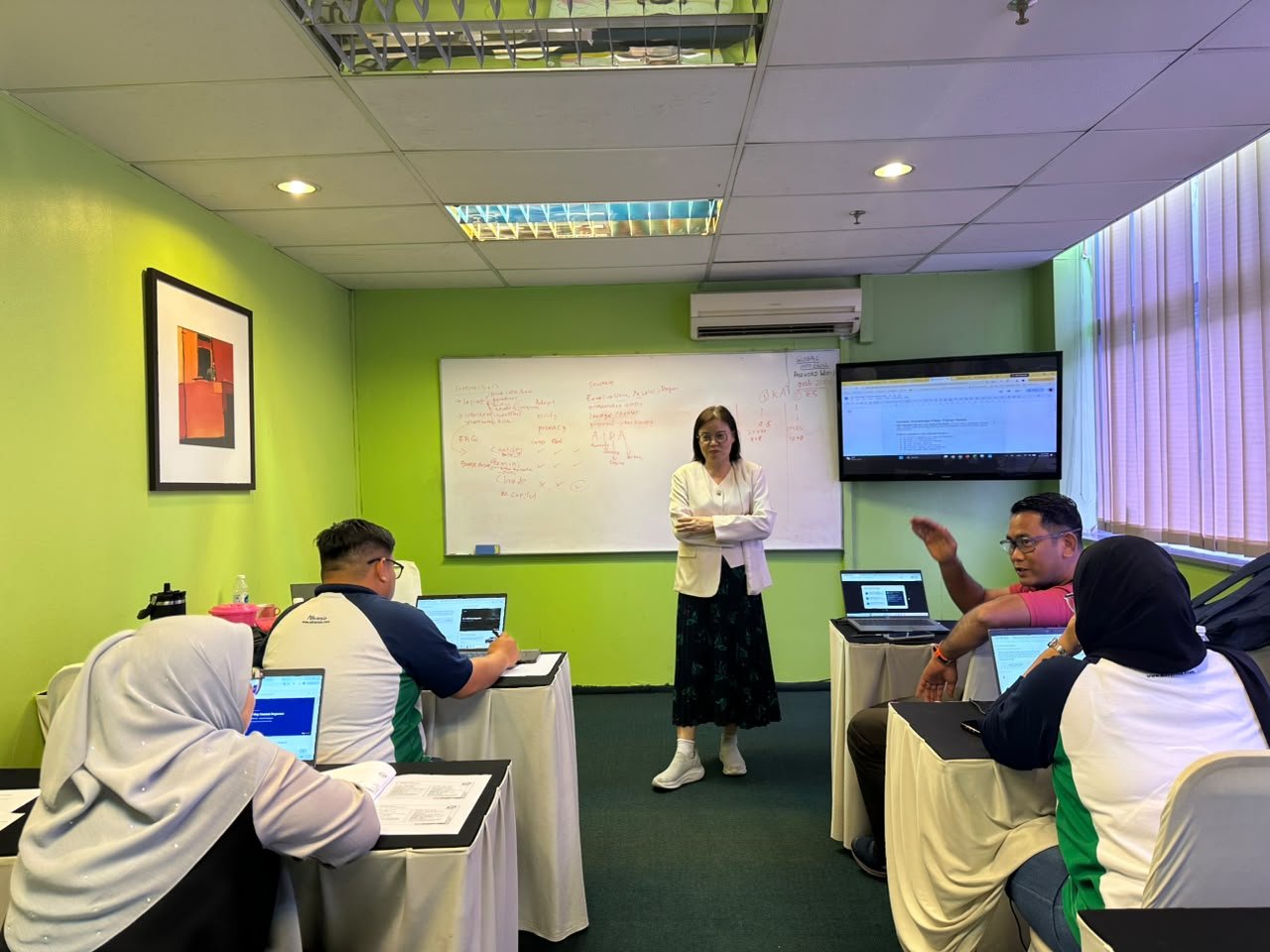
In short: We recently completed a two-day programme, Enhancing Workplace Efficiency Through AI Tools, with a mixed group of executives, managers and support staff. This post covers what we did, what shifted in the room, and the real work participants are taking AI back to.
Quick Answer
Effective workplace AI training starts with responsible-use rules and a simple prompting structure, then moves into hands-on practice with real work tasks. The programme should end with each participant writing a personal action plan, because the value of training shows up in what people do the following week.
Most teams I meet have already tried AI. Someone drafts emails in ChatGPT, someone else has tested Canva’s image tools, and a few people quietly worry they are falling behind.
What these teams usually lack is a shared way of working: when to use AI, how to brief it properly, and where human judgement stays in charge. That gap was the brief for this programme.
Day 1: Mindset before tools
We did not open with a tool demo. The first module covered what AI is, where it gets things wrong, and the ground rules for using it at work: protect confidential data, check every output, and keep a human accountable for the final result.
This part matters more than most leaders expect. When a whole team agrees on the rules, managers worry less about misuse and staff stop hiding which tools they use.
Prompting, the skill under every tool
Once the rules were clear, we moved to prompting. Participants used a four-part structure (context, role, instruction and format) and rewrote the same request several times in ChatGPT and Gemini. Seeing the outputs side by side made the point quickly. A vague request returns a generic answer. A clear brief returns work you can use.
The group then drafted emails, reports and meeting minutes, and built a full social media campaign, refining each one for tone and accuracy.
Want your team to build AI skills step by step?
The Claude AI for Business 3-Level Training Pathway takes teams from foundations to applied work to agentic AI workflows, at the pace your organisation needs.
Explore the 3-Level PathwayVisuals, presentations and project plans
From the afternoon of day one, the work became more hands-on. Teams designed a visual marketing campaign in Canva and presented it for peer feedback. On day two, they built presentations in Gamma, organised source documents in NotebookLM, and turned a real workplace initiative into a working project plan in ClickUp AI.
The group activities did a lot of the teaching. People learned as much from seeing how another team handled the same task as from the tools themselves.
| Work task | Tool used in training | What participants produced |
|---|---|---|
| Emails, reports, minutes | ChatGPT, Gemini | Business documents refined for tone and accuracy |
| Marketing visuals | Canva, ChatGPT | A visual campaign presented for peer feedback |
| Presentations | Gamma | AI-generated slide decks |
| Research and reference material | NotebookLM | Summaries drawn from multiple source documents |
| Project planning | ClickUp AI | A working project management plan |
| Video | Heygen, Kling | A short promotional video |
Video and avatars
Module six covered AI video with Heygen and Kling. For many participants, this was the first time they had produced a promotional or training video themselves, with no studio and no editing background. Each group created a short video and improved it after feedback.
One workflow, one action plan
The final modules joined everything up. Each team took a single work task and ran it from start to finish: written content, visuals, a plan and a video, combined into one workflow. Teams then presented their final projects.
Every participant closed the programme by writing a personal action plan naming where they would apply AI in their own role first. I treat this as the real deliverable of any training. If it does not show up in next Monday’s work, the two days have not done their job.
What participants are applying next
The action plans were the most encouraging part of the programme. Participants did not stop at “I will use ChatGPT more.” Each one named a specific business problem in their own role. Three examples show the range.
Marketing: faster content and video production
A participant from a marketing role plans to use AI to produce marketing content and short videos in-house. The workflow brings together what they practised over the two days: drafting campaign copy, designing visuals, and creating short promotional videos with AI avatar and video tools. The business gain is speed. Content that used to wait on an agency or a designer can now be drafted, reviewed and published by the team itself.
Property: data analysis for facilities management
A participant from a property company plans to apply AI to data analysis in facilities management. Maintenance logs, work orders and service reports hold patterns that are hard to see in spreadsheets: recurring faults, slow response times, and rising costs at particular sites. AI can summarise and analyse this data so managers make maintenance decisions on evidence rather than memory.
Sales: an AI sales assistant chatbot
A third participant is building a sales assistant chatbot that answers common customer questions and supports the sales team between conversations. This is the most ambitious of the three. It depends on the same foundation the programme started with: clear instructions, good source material, and human review of what the chatbot tells customers.
The pattern across all three: each participant started from a business problem in their own department and chose the AI approach to fit it. Choosing the tool second is what makes adoption stick after training ends.
What leaders should take from this
Habits outlast tools
The tools we used will change within a year. The prompting structure and the responsible-use rules will still apply, so invest in those first.
Mixed groups find more use cases
When HR, marketing and operations sit in the same room, they spot applications none of them would have found alone. That cross-team exchange is hard to get from self-paced online courses.
Follow up at 30 days
Ask your team what they have done differently since the training, and review their action plans. That single conversation tells you more about return on training than any feedback form.
A question to take back to your team: which three routine tasks take the most time each week, and which of them could AI draft for a human to check?
Frequently Asked Questions
What does a workplace AI training programme usually cover?
A practical programme covers responsible AI use, prompting, and hands-on work with tools for writing, visuals, project planning and video. The strongest programmes finish with an end-to-end workflow on a real work task and a personal action plan for each participant.
Why should AI training start with mindset before tools?
Teams that share the same ground rules on data privacy, checking outputs and human oversight use AI more openly and more safely. Tools change often. Shared habits and rules stay useful long after a specific tool is replaced.
Can non-technical staff benefit from AI training?
Yes. Most workplace AI tools are used through plain language. With a simple prompting structure of context, role, instruction and format, non-technical staff can produce usable drafts, visuals, plans and short videos within a day of hands-on practice.
How do you measure whether AI training worked?
Look at behaviour after the session. Ask each participant for a personal action plan naming where they will use AI first, then review it 30 days later. Time saved on routine tasks and the number of tasks now done with AI support are practical signals.
Is workplace AI training claimable under HRDC?
Many workplace AI programmes in Malaysia can be run as HRD Corp claimable training when delivered through a registered training provider. Check eligibility with your HR team and the training provider before confirming dates.
Planning AI training for your team?
If your organisation is ready to move from scattered AI experiments to a shared, practical way of working, let’s talk about what a programme could look like for your people and your work.
Talk to Jane Explore the 3-Level Pathway
janecgy@yahoo.comEdit Profile