Learn Claude in 3 levels. Walk out with a working workflow, even if you’ve only used AI to chat.
Three hands-on, 1-day classes for business owners, managers and professionals. You build real business workflows with Claude, take them home, and use them the next working day. No coding background needed.
- 3 standalone 1-day levels
- Hands-on, on your own laptop
- Money-back guarantee
I can now do verifications across documents to ensure accuracy of data for my co-sec business.Company secretarial business owner, past participant

Built for people who need AI to do real work

Business owners
Hand repeat work to Claude and get your evenings back.

Managers & team leads
Get your team producing the same quality every time.

Admin & operations
Quotes, reports and files without the copy-paste.
Sales & marketing
Proposals and content that sound like your brand.

Consultants & professional firms
Check documents and data with fewer misses.

Digital champions
Build the simple internal tool you keep asking IT for.
You already pay for AI. The work still lands on your desk.
That’s why every level ends with a workflow you can run on Monday, checked by a trainer before you leave.
Strategy before tools, in three steps
Each workflow you build in class follows the same three steps. This is how a one-day class turns into work that keeps running after you leave.
Clarify the job
Pick a real, repeated task and define what “good” looks like before touching AI.
Hand it to Claude
Give Claude the context, files and instructions to do the task, then check the output.
Make it repeatable
Save it as a Skill, template or tool so it runs the same way every time.
Jobs you’ll hand to Claude
Tap a job to see the before and after. Filter by level.
training days + days of WhatsApp accountability coaching
business jobs covered
full hands-on day per level
DigitalAI Claude Membership included
live webinars to keep your skills current
money-back if no working workflow
We also measure confidence at the start and end of every class, and check at Day 30 that your workflow is still running. Results are published after each cohort.
What they do differently now
Amazing. I can now turn complex criteria and checks into a process for issuing certifications to my engineers.
I can now work on food ordering to support my corporate catering services.
I can now do verifications across documents to ensure accuracy of data for my co-sec business.
I now help a company secretarial firm automate its manual document checks. Claude does the first pass and flags anything that doesn’t match. A person still reviews and signs off every result.
After setting up Claude step by step, I produced HRDC-compliant training materials in 5 minutes.
I built an AI workflow for our job fair that runs from registering participants to sending each of them a follow-up email.
Each level builds on the last
Your AI Coworker
Claude does real tasks for you.
Your AI Team
Claude does them the same way for everyone.
Your AI Builder
You build your own tool.
As your confidence grows, so does what you can hand over.
Three levels. Here is what you take home from each.
Every level uses the same sample business, DigitalAI Academy, a small training company. You practise on realistic files and data, then apply the same workflow to your own business.
Your AI Coworker
From chatting with AI to handing it real work

5 repeat jobs handed to Claude. Set up once in class, reused every week:
- Sounds like you. A brand guide and voice card, so every post, email and reply reads like your business wrote it.
- One idea, a week of content. Turn one topic into social posts, an email and web copy.
- Enquiry replies in minutes. Paste a customer’s WhatsApp or email and get a reply draft with the right fees and dates.
- Know your customers. A messy customer list comes back with duplicates and gaps flagged, plus a first look at who buys most.
- Your week on one page. An owner’s dashboard of registrations, payments and follow-ups.
Plus: a fee and group-discount calculator you build yourself, and PRISM+ prompt cards.
The class story: fill the next public intake. Plan → Brand → Marketing → Customer replies → Customer data → Owner’s report.
Book Level 1Your AI Team
Make good work repeatable with Skills and Plugins

The jobs that eat your week, done the same good way every time:
- A proposal in an afternoon. A prospect research brief and a client proposal draft.
- Quotes in one go. Batch quotations generated from one price list.
- Reports without copy-paste. Several reports combined into one management summary.
- Find any file fast. A tidy folder and version-control routine for your documents.
- Your SOP, run the same way by anyone. One of your SOPs turned into a Claude Skill, packaged as a team Plugin with human-approval checkpoints.
Plus: a “Rescue Lifeline” card for when Claude goes off track.
The class story: win a corporate client and make the work repeatable. Upgrade → Sell → Propose → Organise → Report → Make it repeatable.
Book Level 2Your AI Builder
Build your own simple business app with Claude Code

Your own working tool:
- Your own app, working. A business app built in class and running on your laptop.
- Plan before you build. An RSS blueprint (Requirement → SOP → Solution) for your next app.
- Claude that does the task. Skills with scripts, so Claude runs the job instead of only describing it.
- Safe to experiment. A Git-tracked project and a safe-working checklist, so you can undo mistakes and protect your data.
The class story: build the Academy Course Assistant app. Toolkit → Work safely → Blueprint → Design → Build → Launch. Small class, max 20 seats.
Book Level 3Leave with at least one working workflow, or get your fee back.
A working workflow is a Claude Skill, prompt set or tool that you ran on real files in class and can run again on your own work the next day. Here is how the guarantee works:
- Attend the full day. Arrive with your laptop set up using the checklist we send before class.
- Do the in-class exercises. The trainers check your progress through the day and help you get each workflow running.
- Still no working workflow? Tell Jane, and we refund your course fee in full.
The guarantee applies to self-paying public-class participants, per level attended.
Which level should you start with?
Answer 3 quick questions. Each level is a standalone 1-day class.
Not sure after the quiz? WhatsApp Jane and she’ll point you to the right start.
Pick your level and date
All classes run 9:00 AM to 6:00 PM, in person. Venue details are sent when you register.
Wed, 14 Oct 2026 · 9:00 AM – 6:00 PM
Prefer email? janechew@digitalaibusinessclub.com
HRD Corp claimable for eligible employers (registered with HRD Corp and paying the levy). WhatsApp Jane to check your company’s eligibility and pricing.
- 1 full hands-on day, building on your own laptop
- Ready-made Skills, prompt cards and sample files to keep
- 30 days of WhatsApp coaching until your workflow is running
- 1-year DigitalAI Claude Membership: templates and new workflows as Claude changes
- Money-back guarantee: at least one working workflow
WhatsApp Jane for fees, group rates and HRD Corp claimability for company-sponsored staff.
Business strategy and technical build, in the same room
 JC
JCJane Chew
Founder of DigitalAI Business Club. Former OgilvyOne, OCBC Bank and Aimia. Author of Midlife to AI Mastery. Jane keeps every workflow tied to a business result.
 KC
KCKalmen Chia
Business process and technical build specialist. Kalmen designs the Skills, Plugins and Claude Code builds, and makes sure what you build is safe to run in a real business.
 RS
RSRicky Soo
Builds working apps and prototypes by describing them to AI in plain English. Ricky shows non-coders how to go from an idea to a tool they can click and use.
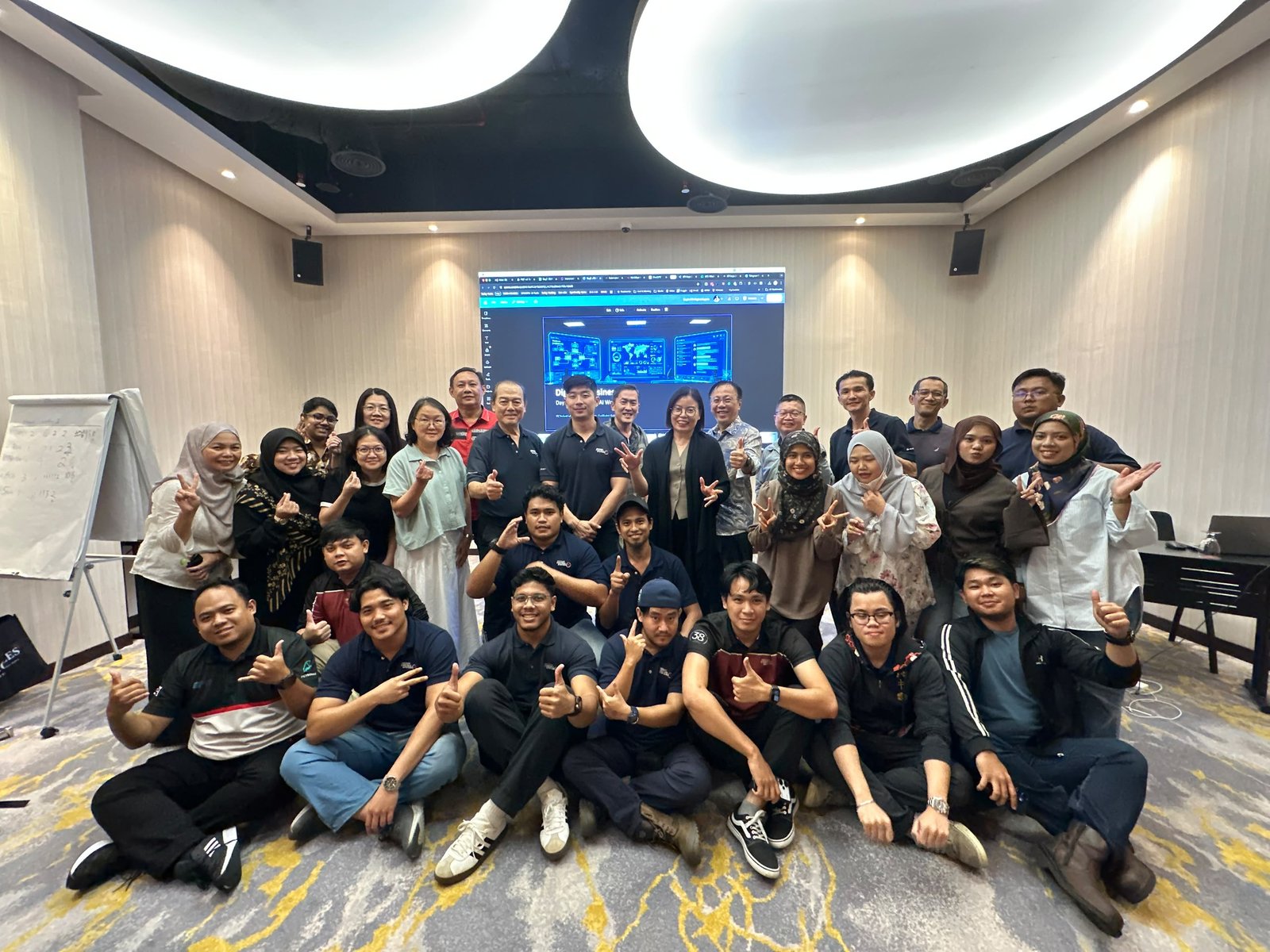
Hands-on from the first hour
Every participant builds on their own laptop, with trainers checking progress through the day.
Frequently asked questions
What is the Claude AI for Business course?
It is a 3-level, hands-on Claude training pathway for business owners and teams in Malaysia. Level 1 turns Claude into your AI coworker, Level 2 makes your work repeatable with Skills and Plugins, and Level 3 teaches you to build a simple business app with Claude Code. Each level is a standalone 1-day public class.
I’ve done AI courses before and nothing stuck. Why is this different?
Every level ends with a workflow running on your own laptop, checked by a trainer before you leave. Then we follow up on WhatsApp for 30 days until it runs in your business. If you don’t leave with a working workflow, you get your fee back.
Is this too advanced for a small, non-technical business?
No. Level 1 is built for owners and staff with no tech skills. The class uses a small sample business with the same problems most SMEs have: enquiries, content, customer lists and weekly numbers. You apply each workflow to your own business on the day.
Do I need a technical or coding background?
No. Level 1 needs no tech skills at all, and Level 2 only needs regular Claude use. Level 3 involves no coding from you, but you should be comfortable installing software, and we run a setup check before class.
What do I need to bring?
A laptop with the Claude desktop app installed and a paid Claude plan (Pro or above). After you register, we send a short setup checklist. Level 3 participants also install VS Code and Claude Code before class.
How does the money-back guarantee work?
If you attend the full day and complete the in-class exercises but still leave without at least one working Claude workflow, tell Jane and we refund your course fee in full.
How much time do I need after the class?
Plan a short block each week in the first month to run your workflow on real work. The WhatsApp check-ins during those 30 days keep you on track and help when something doesn’t work.
Do I have to attend all three levels, or in order?
No. Each level stands alone. Most people start at Level 1. If you already use Claude weekly, you can start at Level 2. Level 3 works best once you are comfortable with Skills. Use the 3-question level finder above if you’re unsure.
How much does the course cost?
Fees depend on the level and whether you book a single level, the full pathway or a team booking. WhatsApp or email Jane for current fees and seat availability. Companies sending staff can also ask about HRD Corp claimability.
Pick your level. Leave with a workflow that runs.
Seats are limited so everyone gets hands-on help. Message Jane to register, check fees, or find the right starting level.
Jane Chew · AI Strategy Coach, HRDC Corporate Trainer · Founder of DigitalAIBusinessClub.com
Start free
Free PDF · 10 copy-and-paste prompts
Get the Free Guide: Your Marketing Coworker
10 Claude prompts for your Google profile, Google Ads and WhatsApp follow-ups. Use them today, even if you’re not “good at AI.”
- ✓Get found: a stronger Google Business Profile and a month of posts
- ✓Get clicks: keywords, ad copy and a landing page check
- ✓Follow up: WhatsApp messages in English and Bahasa Malaysia
You’re in. Check your inbox.
Your guide is on its way. You can also download it now.
Download the PDF → WhatsApp Jane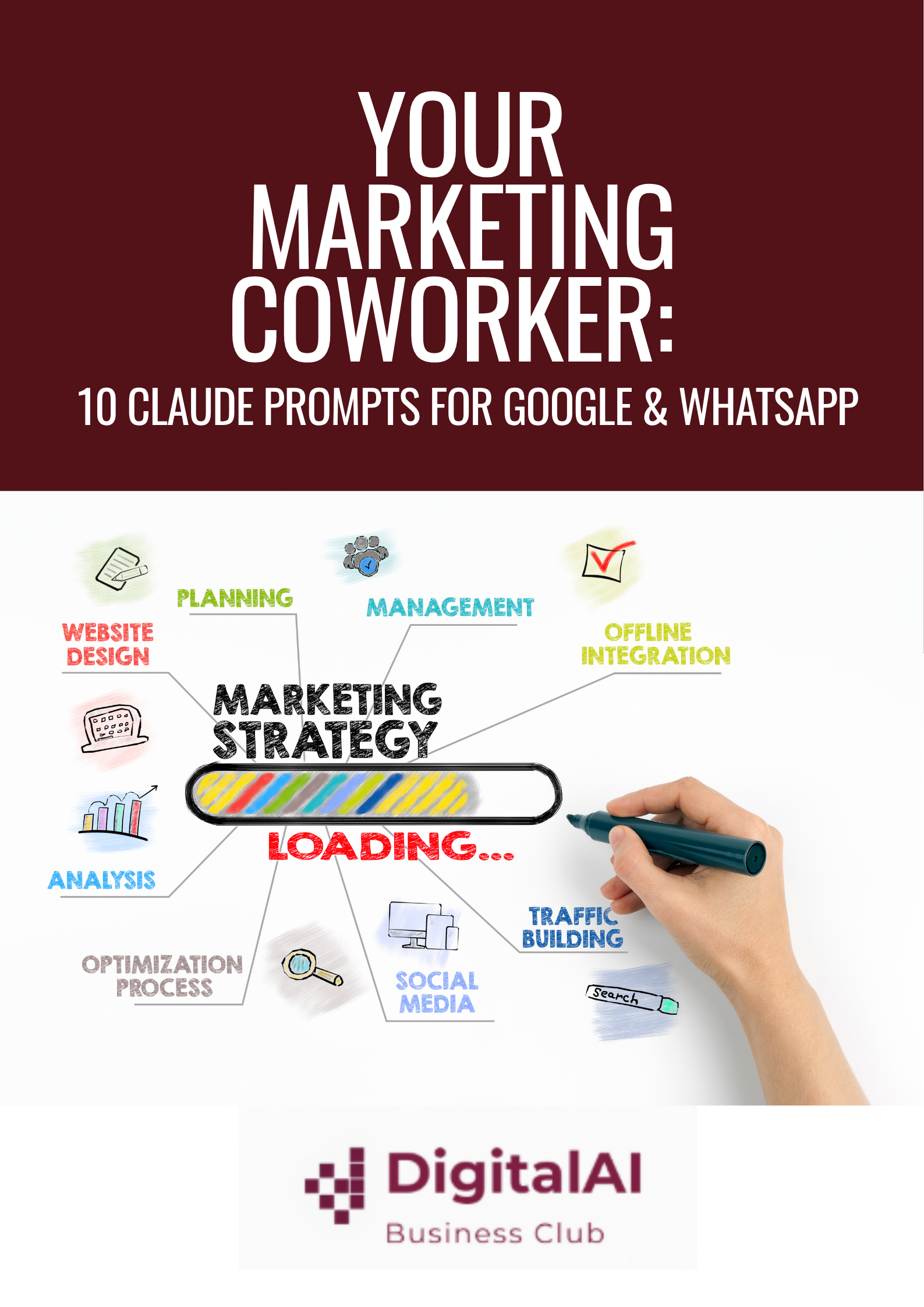
AI Business Readiness & Maturity Assessment
“Turn AI Confusion into Business Clarity.” Takes ~3 minutes — get your recommended Claude training pathway.
Take the Free Assessment →See Claude AI for Business in action